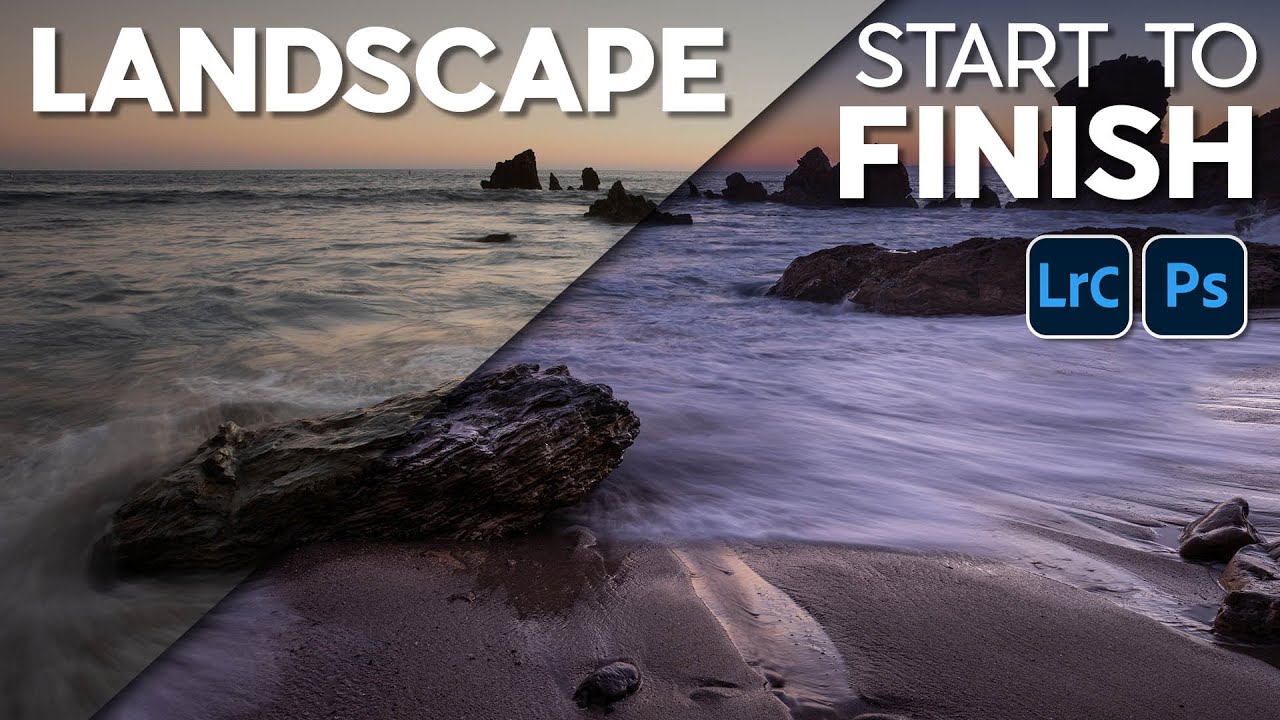
From Flat to Finished: A Complete Lightroom Edit Workflow for Coastal Landscape Photos

From Flat to Finished: A Complete Lightroom Edit Workflow for Coastal Landscape Photos

There is a particular kind of frustration that comes from standing on a California coastal bluff at golden hour, watching the light do something genuinely spectacular, and then sitting down at your desk the next morning to find that your raw file looks like a faded postcard. The camera captured the exposure. It did not capture the feeling. Closing that gap is almost entirely an editing problem, and it’s one I’ve spent twenty years working through, sometimes well and sometimes badly.
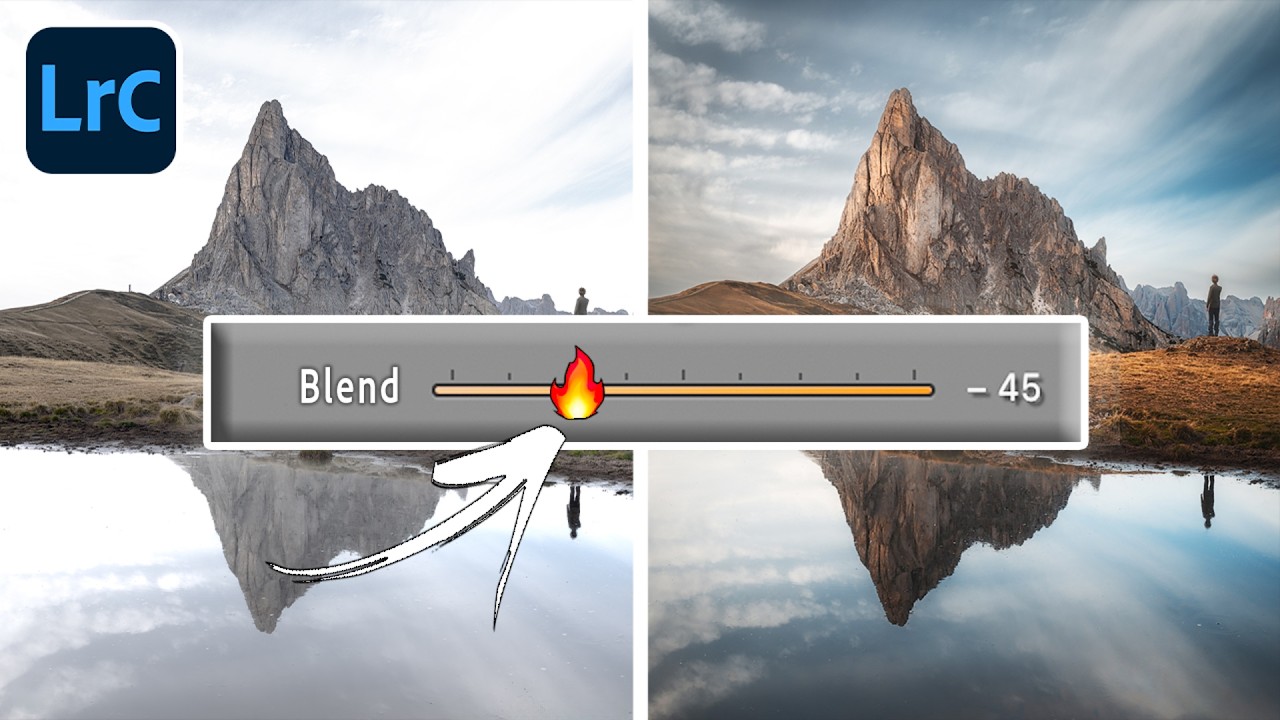
Why Your Sky Masks Look Fake (And the Lightroom Workaround That Finally Fixes It)

Why Your Sky Masks Look Fake (And the Lightroom Workaround That Finally Fixes It)

There’s a particular kind of frustration that lives in the zoom-in. You’ve done everything right. The sky mask selected cleanly, the clouds have drama and texture now, the exposure looks balanced. You toggle the edit on and off and feel that small, quiet satisfaction of a job done well. Then you zoom in to check your edges and there it is: a thin, glowing halo hugging the ridgeline like the mountain is lit from behind by something that was never there.