How to Unlock Hidden Color and Drama in iPhone RAW Landscape Photos with Lightroom

How to Unlock Hidden Color and Drama in iPhone RAW Landscape Photos with Lightroom

I’ll be honest with you. For a long time I was dismissive of iPhone landscape photography. Twenty years of hauling full-frame gear up ridgelines in the dark will do that to you. But something shifted when I started really paying attention to what modern RAW processing could pull from these phone sensors. The files are not what they were five years ago, and neither are the editing possibilities sitting inside them.
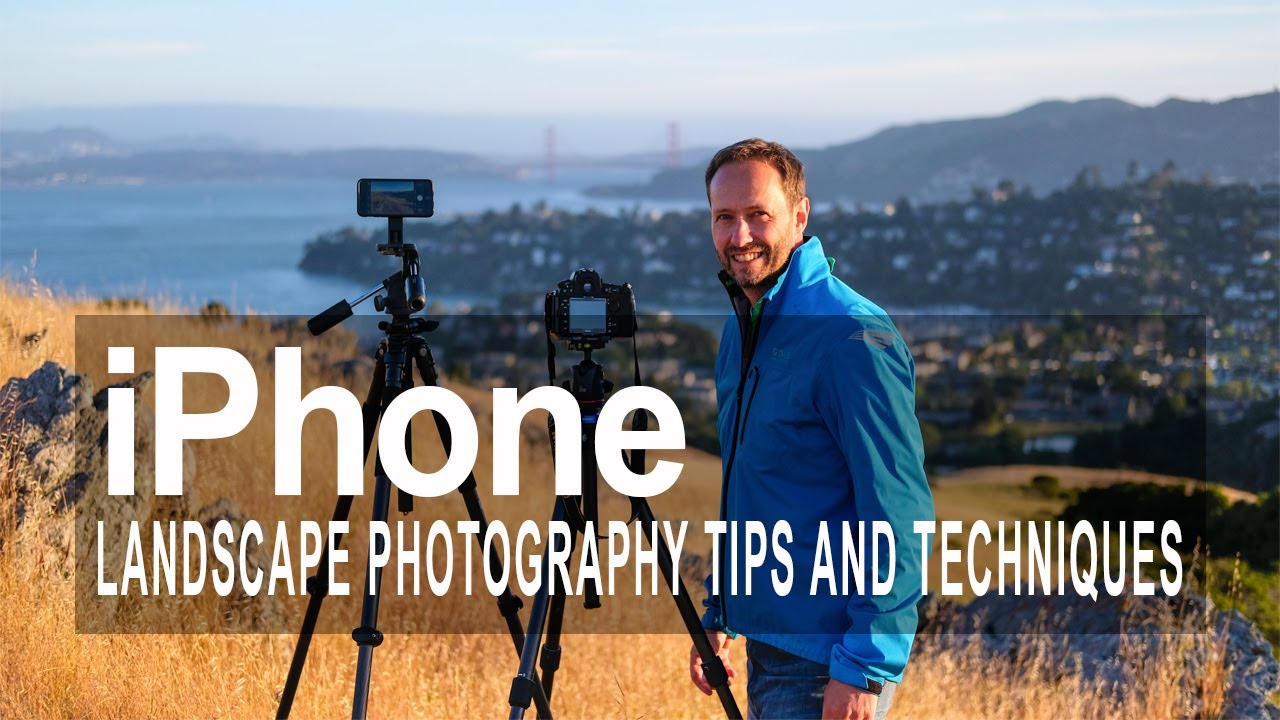
iPhone Landscape Photography: 5 Field-Tested Tips That Actually Hold Up

iPhone Landscape Photography: 5 Field-Tested Tips That Actually Hold Up

I’ll be honest with you. For a long time, I left my iPhone in my bag when I was out shooting. Twenty years of hauling full-frame gear up ridgelines before dawn will do that to you. The phone felt like a compromise, and I don’t compromise easily. Then one morning in the eastern Cascades, I’d left my Nikon in the truck and the light broke open in a way that made my chest hurt.

Rescuing a Flat Sunset Shot: iPhone Editing Techniques Worth Stealing from Sean Tucker

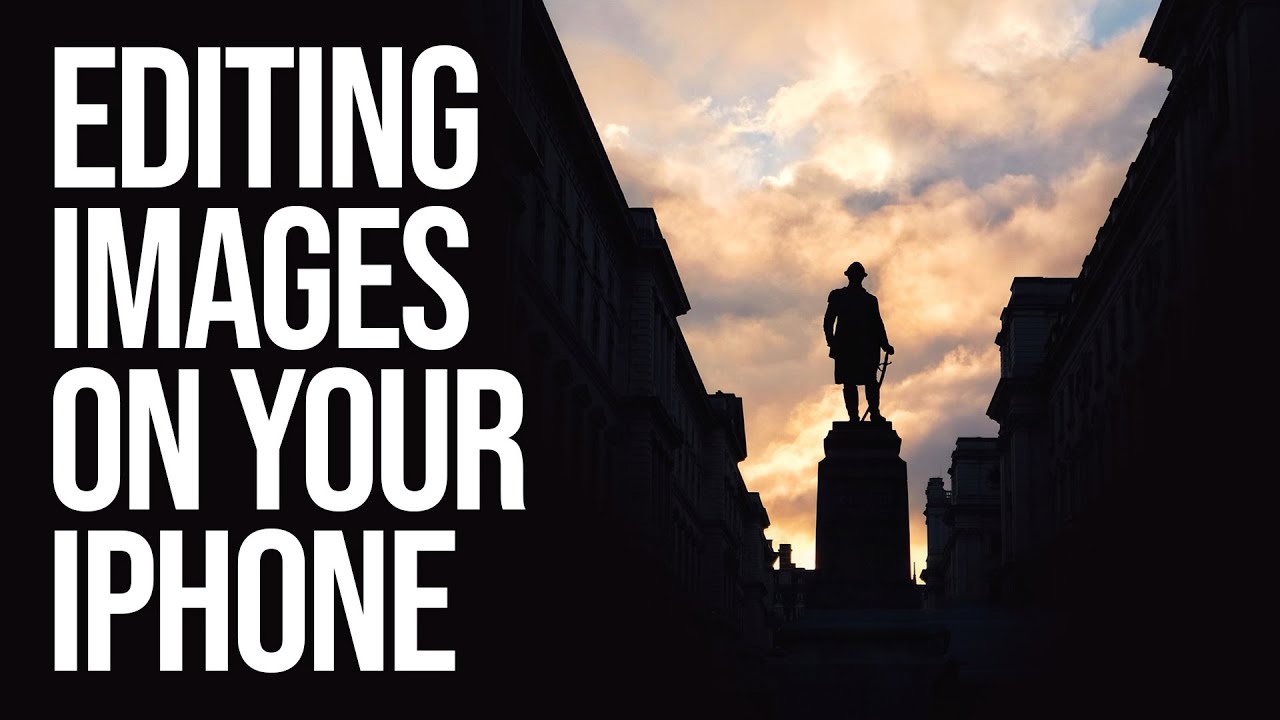
Rescuing a Flat Sunset Shot: iPhone Editing Techniques Worth Stealing from Sean Tucker

There’s a particular kind of frustration I know well: you’re standing in golden light, the sky is doing something genuinely beautiful, you raise your phone and take the shot, and the result looks like a postcard from a gas station. The light was there. The scene was there. The phone just didn’t see what your eyes saw. After two decades of shooting landscapes, mostly with full-frame cameras and more glass than I care to admit to owning, I still reach for my iPhone on evening walks when I don’t want to haul gear.