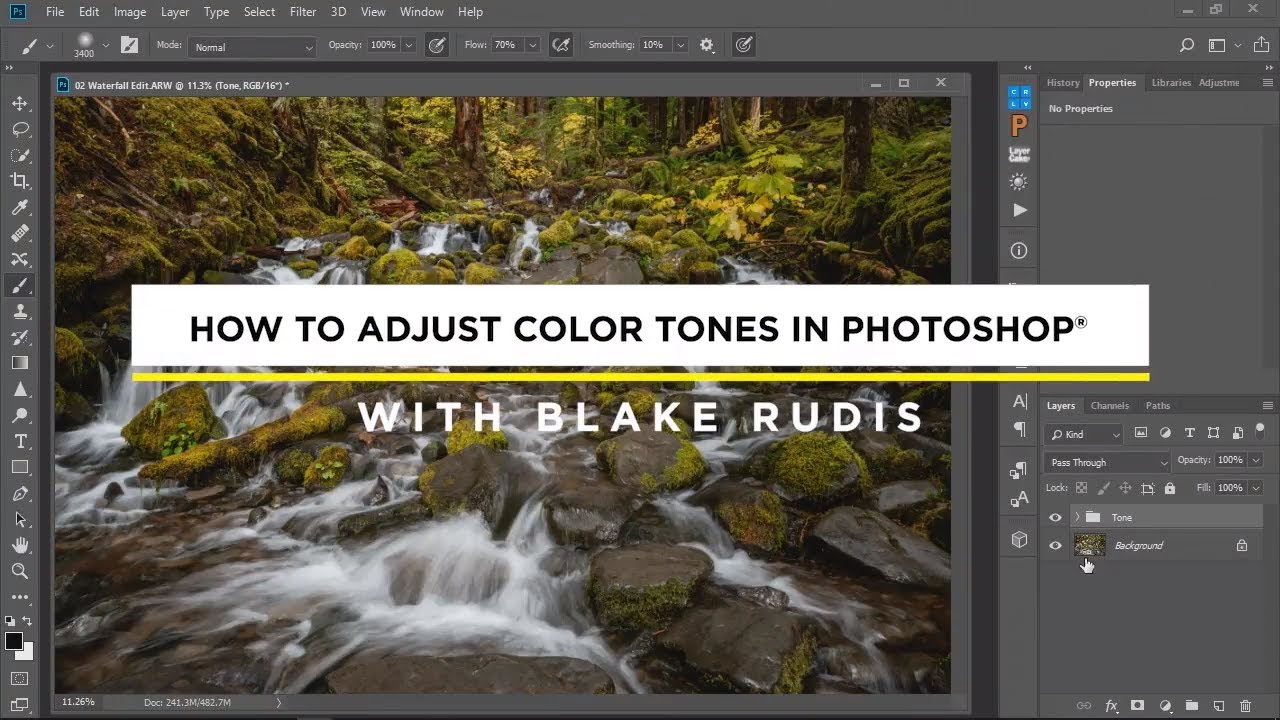
Why Selective Color in Photoshop Beats Lightroom's HSL Panel for Landscape Work

Why Selective Color in Photoshop Beats Lightroom's HSL Panel for Landscape Work

There’s a moment every landscape photographer knows. You’ve nailed the composition, the light was exactly what you drove four hours into the dark to find, and then you open the file and the colors just… sit there. Technically present, emotionally absent. The reds in the canyon wall look muddy. The warm light that made you catch your breath at the trailhead looks flat on screen. I’ve spent twenty years chasing that gap between what my eyes registered and what my sensor recorded, and I still find myself hunting for better tools to close it.
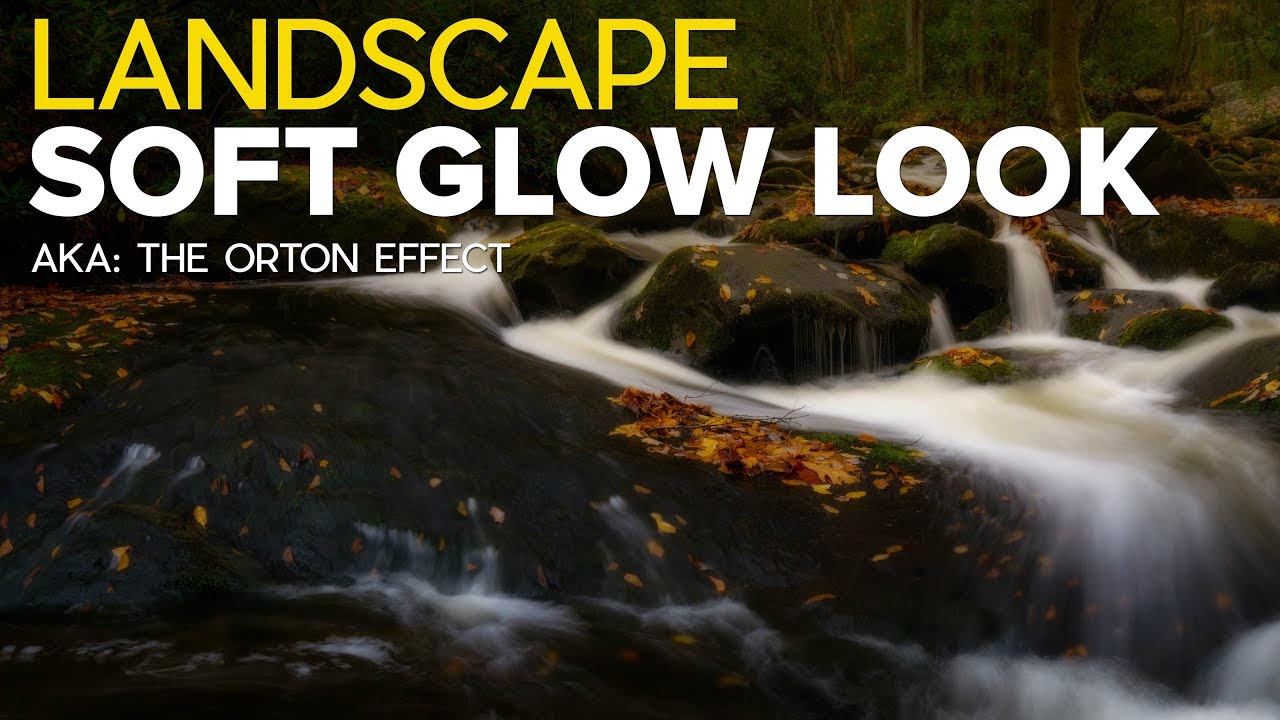
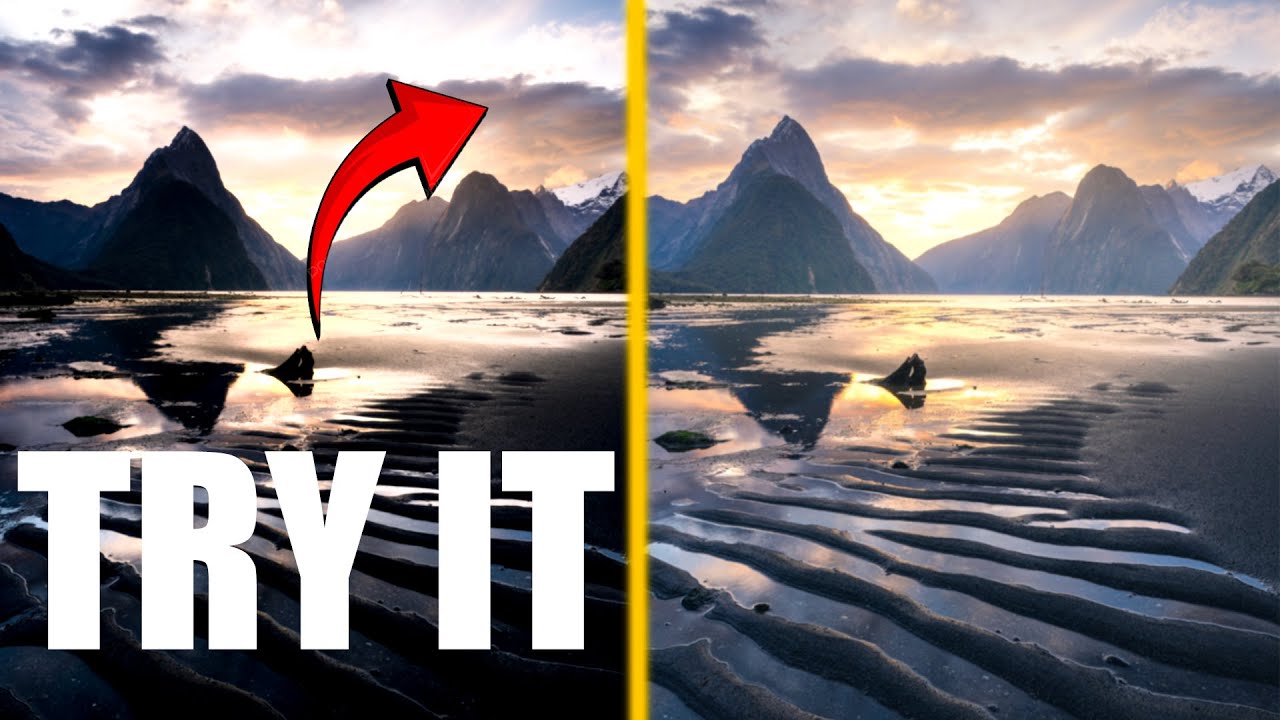
The Orton Effect Explained: How I Add Soft, Dreamy Glow to My Landscape Photos

The Orton Effect Explained: How I Add Soft, Dreamy Glow to My Landscape Photos

There is a quality of light I chase constantly out here in the high desert around Bend. It happens maybe a dozen mornings a year, when the atmosphere is thick enough to scatter the first rays but thin enough to still let color through. Everything glows from the inside. The trees, the ridgelines, the frost on the grass. I have been trying to recreate that feeling in post-processing for two decades, with mixed results.

Why Your RAW Files Look Flat (And How to Fix Them With One Focused Workflow)

Why Your RAW Files Look Flat (And How to Fix Them With One Focused Workflow)

I’ve been standing in cold water before dawn for twenty years, and if there’s one conversation I still have at every workshop I run, it’s this one: “My phone takes a better photo than my camera.” I hear it from beginners, from people who just bought a serious mirrorless kit, from folks who drove three hours to catch a golden hour and came home with a folder full of dark, muddy RAW files that looked nothing like what their eyes saw.