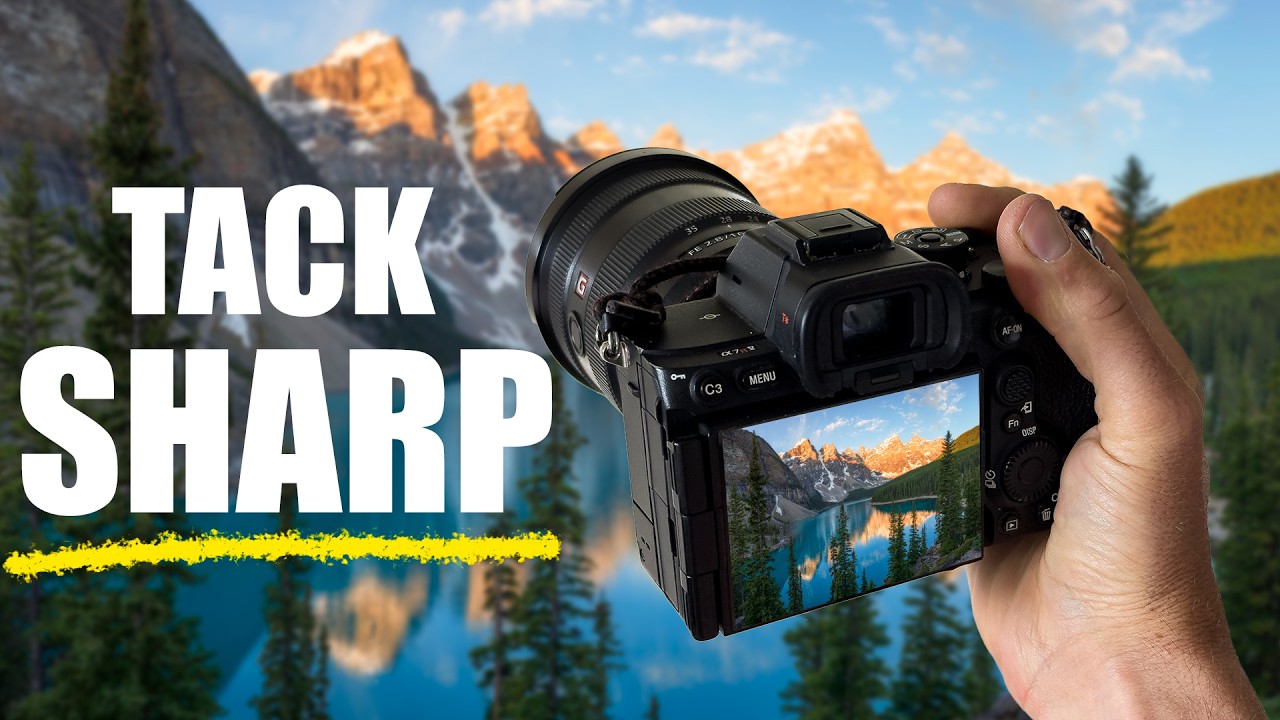
I was out at a basalt canyon last spring, low to the ground, trying to get a cracked rock formation in the foreground sharp while keeping a ridgeline two miles out equally crisp. I’ve been shooting landscapes for twenty years and I still hit this wall regularly. Physics doesn’t care how long you’ve been doing this. At any given aperture, you simply cannot hold sharp focus from eight inches to infinity in a single frame. Stopping down to f/16 or f/22 buys you a little, but diffraction softens the whole image. You’re trading one problem for another.
Focus stacking is the clean answer. And while I’ve been doing it for years, watching this William Patino tutorial recently tightened up my field process in ways I didn’t expect. He cuts through the noise quickly and the technique he lays out is worth keeping close.
Why One Frame Is Never Enough for a Strong Foreground
The physics problem is simple: depth of field is a function of aperture, focal length, and focus distance. When you’re shooting wide with something close in the foreground, your plane of focus is thin. Even f/11 won’t save you when your subject is two feet away and your horizon is at infinity.
The solution is to shoot multiple frames, each focused at a different distance, then blend them in post so every zone is sharp. What you end up with is an image that has the optical quality of shooting at f/8 or f/9, but with the apparent depth of field of something impossible. The camera does the hard part. You just have to be deliberate in the field.
How to Shoot the Frames Correctly
Patino’s approach in the field is straightforward, and the consistency of it is what makes the blend clean later. He recommends shooting in manual mode, which matters because you need identical exposure across every frame. Any shift in aperture or shutter speed between shots will create tonal inconsistencies that Photoshop cannot fully correct. Lock your exposure in, lock your white balance, and don’t touch either one between frames.
For most landscape scenes, two to three frames is enough. Start by focusing on your nearest foreground element, then shift focus to the midground, then the background or horizon. The exact number depends on how much depth the scene has. A scene with a rock at your feet and mountains far behind might need three frames. A shallow composition might need only two.
One thing Patino emphasizes is overlap. Each focus point should share sharpness with the next. Think of it like a relay handoff. If there’s a gap in sharpness between your frames, Photoshop will have nothing to work with in that zone and you’ll get artifacts or blurred patches in the final blend. If you’re unsure, shoot an extra frame. It costs nothing and gives you more to work with in post.
Use a tripod. This is non-negotiable. The blend in Photoshop relies on the frames being pixel-perfect aligned. Handheld almost never works cleanly enough, especially at the edges of the frame. Lock the camera down, use a remote shutter or a two-second timer, and don’t bump the tripod between shots.
The Photoshop Blend, Step by Step
Once you’re in front of the computer, the process is methodical. Open all your frames in Photoshop as layers in a single document. The easiest way to do this is through Lightroom: select all the files, right-click, and choose Edit In, then Open as Layers in Photoshop. They’ll land in a single document, stacked.
Select all the layers, then go to Edit, then Auto-Align Layers. Even with a tripod, there can be micro-shifts from mirror slap or a breath of wind on the tripod. Auto-Align corrects for that. Use the Auto projection setting and let it run.
After alignment, keep all layers selected and go to Edit, then Auto-Blend Layers. Choose Stack Images, and make sure Seamless Tones and Colors is checked. Click OK. Photoshop analyzes each layer, identifies which regions are sharpest in each frame, builds layer masks accordingly, and composites them together. When the scene is well-shot and the focus overlap is solid, the result is remarkably clean.
Flatten the image, bring it back into Lightroom or into Camera Raw for your normal processing, and you’re done.
Where the Technique Gets Complicated
Focus stacking is not a universal fix. The technique has one real enemy: motion. Water, grass, leaves, anything that moves between frames will blend badly. You’ll get double edges, ghost shapes, or smearing where Photoshop couldn’t reconcile two different positions of the same element.
I’ve been in situations where a stream ran through my foreground and the background needed stacking. In those cases, I shoot the full stack and then manually paint back in the moving water from just one of the frames using a hand-drawn mask. It takes longer but it preserves the natural movement. Patino’s method gets you to the blend cleanly, but if your scene has motion, plan on a bit of manual mask work on top of the automated process.
The other thing I’d add: shoot your focus frames in the order closest to farthest, consistently. It builds a habit that keeps your field workflow fast, and it makes the layer order in Photoshop intuitive when you’re tired and working at a desk at midnight.
The One Thing That Makes or Breaks the Blend
Everything in focus stacking hinges on the field work. If your exposures don’t match, if your focus zones don’t overlap, if the tripod shifted, the software will struggle. Photoshop is powerful, but it can only blend what you give it. Get the capture right and the rest is almost automatic.
Watch William Patino’s full tutorial for the visual demonstration of both the field setup and the Photoshop steps. Seeing him move through the layers in real time makes the blend process much easier to internalize.
Comments
Leave a Comment