I shot a composition last fall out near Smith Rock that had everything going for it. Golden light, a foreground of frost-rimmed volcanic rock about eighteen inches from my lens, ridgeline in the distance catching the first clean rays of the day. I stopped down to f/16, took the shot, and called it good.
Back at my desk, I had a soft foreground. The kind of soft that lives in your recycle bin inside of twenty seconds.
I know better. I’ve known about focus stacking for years. But I’d gotten lazy with it, falling back on small apertures and hoping physics would cooperate. That morning was a good reminder that hoping isn’t a technique.
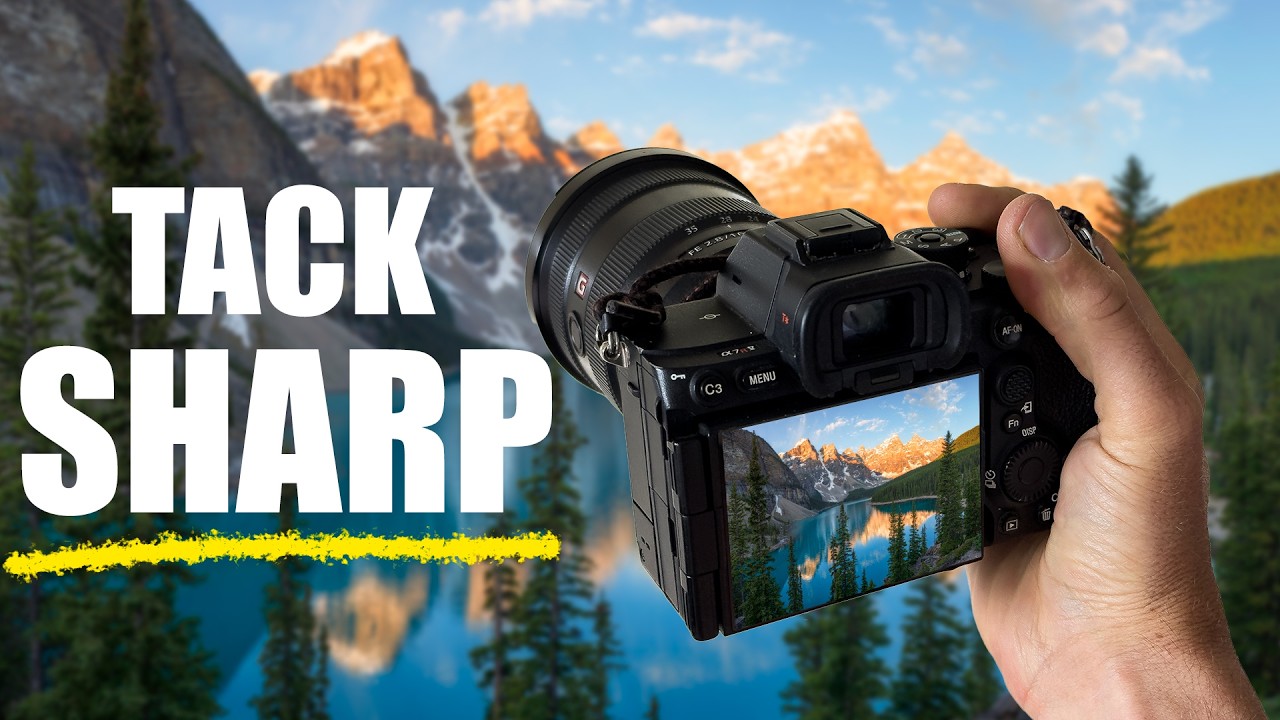
So I went looking for a clean, efficient refresher, and found exactly what I needed in this William Patino tutorial on how to focus stack for landscape photography.
Why f/16 Isn’t the Answer You Think It Is
The instinct to just stop way down is understandable. Smaller aperture, more depth of field, problem solved. Except it isn’t. Past around f/11, most lenses start losing sharpness to diffraction, that optical softening that happens when light bends around a too-small aperture. You gain depth of field on paper while giving up actual sharpness in practice. f/16 gives you everything in focus and nothing truly sharp. That’s a trade you don’t want to make.
Focus stacking sidesteps this entirely. You shoot multiple frames at a wider aperture, typically somewhere in the f/8 to f/11 range where your lens performs at its best, with each frame focused at a different distance. You combine them in post, pulling the sharp zone from each frame, and end up with an image that’s genuinely sharp front to back.
How to Capture the Frames in the Field
Patino walks through the field capture side of this clearly, and the key is a sturdy tripod and zero movement between frames. Any shift in position makes the blend harder and introduces ghosting in post. Mirror lock-up or live view helps eliminate camera shake if you’re on a mirrorless or DSLR.
The process comes down to this: focus on your nearest foreground element and take a frame. Then shift focus progressively back toward infinity, shooting a frame at each step. How many frames you need depends on how wide your aperture is and how dramatic the depth of your scene is. A shallow scene might need two or three. A composition with strong foreground interest and a distant background might need four to six.
Use manual focus and move it in deliberate increments. A useful field check is to look at where the sharp zone ends in your last frame, then make sure your next focus point starts within that zone. You want overlap between frames, not gaps. Gaps leave you with a band of soft in your final image that no amount of blending will fix.
Blending It Together in Post
On the processing side, Patino covers the Photoshop workflow in straightforward steps. Load your frames as layers into a single document. You can do this through Lightroom by selecting your images, right-clicking, and choosing “Edit In / Open as Layers in Photoshop.” Once they’re stacked as layers, select all of them and go to Edit / Auto-Align Layers. Even on a tripod there can be micro-shifts, and this step corrects for them.
After alignment, go to Edit / Auto-Blend Layers. Choose “Stack Images” and check “Seamless Tones and Colors.” Photoshop will analyze each layer and generate masks that pull the sharpest areas from each one. It does a remarkably good job on most scenes.
What you get is a flattened image that’s sharp throughout. From there you treat it like any other raw composite and finish it in your normal workflow.
Where This Technique Gets Complicated
I’ll add something Patino doesn’t cover in depth, because it’s bitten me enough times that it’s worth saying. Moving elements are the enemy of focus stacking.
Water, grass, leaves in a breeze, anything that changes between frames creates ghosting or misalignment that Auto-Blend can’t fully resolve. Photoshop will try to compensate, but you can end up with strange artifacts along the edges of those moving elements. The fix is either to mask those areas manually using the sharpest single frame, or to shoot when the air is still and accept that focus stacking and long-exposure water effects don’t always coexist cleanly.
I’ve also found that very wide lenses at moderate distances sometimes don’t need as many frames as you’d expect, while a telephoto compressed scene can need more because the planes of focus stack up tighter. Test your specific gear in your specific situations before you’re standing somewhere spectacular at 5am betting on a technique you’ve never verified at that focal length.
The Discipline Behind the Technique
The single most important thing this tutorial reinforces isn’t a Photoshop shortcut. It’s this: sharp, intentional images are built in the field, one deliberate frame at a time. The software just assembles what you give it.
If you want to see the full visual walkthrough of both the capture and the blending process, watch William Patino’s tutorial here. The post-processing steps especially are much easier to follow when you can see the layer panel and masks being built in real time.
Comments
Leave a Comment