Last autumn I was shooting along the Deschutes River at first light, a frosted boulder in the foreground and a ridgeline turning pink behind it. Perfect composition. I shot it at f/16 trying to get everything sharp in a single frame, and when I got home I had exactly what f/16 gives you at those distances: a foreground that was almost there, a background that was close, and a soft, diffraction-blurred middle zone that belonged to nobody. Twenty years of doing this and I still catch myself reaching for a small aperture out of habit when the real answer is focus stacking.
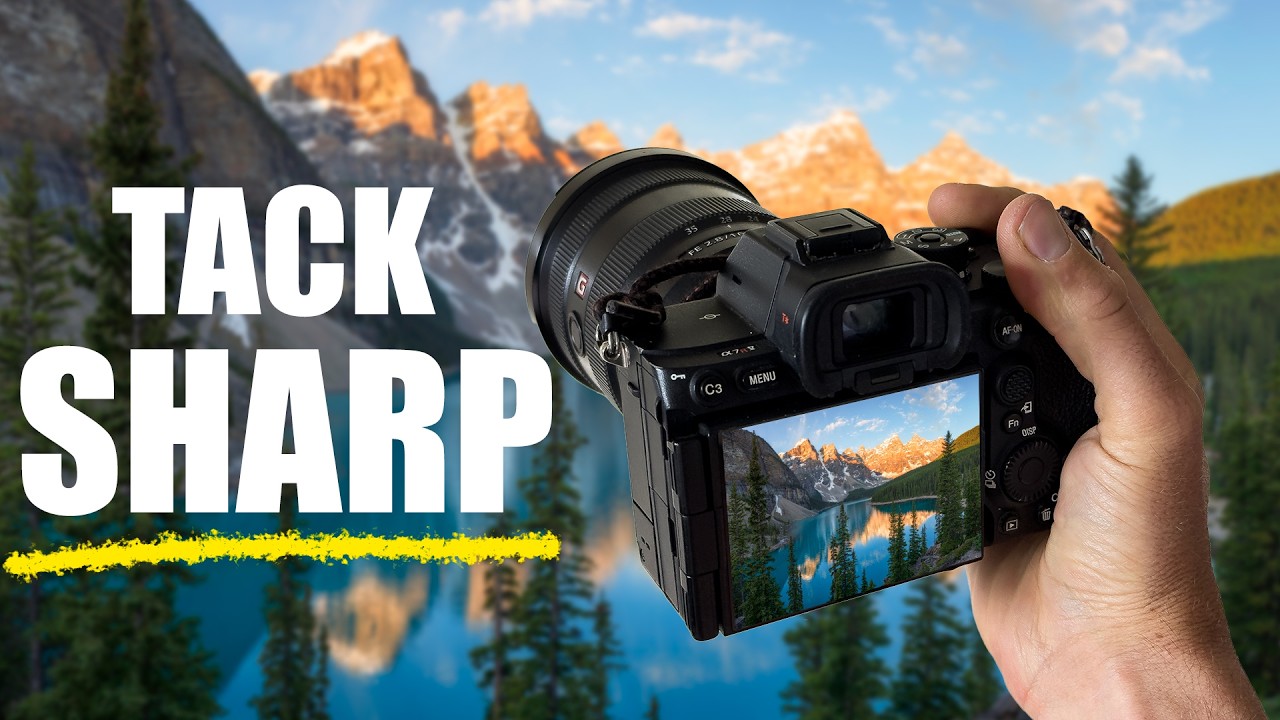
That’s what sent me back to this William Patino tutorial on focus stacking for landscape photography. It sharpened my thinking on a technique I use but don’t always execute cleanly.
Why a Single Shot Almost Always Lies to You
The physics here are simple and unforgiving. Depth of field is a finite thing. When your foreground subject is two feet away and your background is two miles away, no single aperture covers that range without compromise. Stopping down to f/16 or f/22 buys you more apparent depth of field, but it costs you sharpness to diffraction. You’re trading one kind of soft for another.
Focus stacking sidesteps that trade entirely. You shoot several frames, each focused at a different point through your scene, and blend them in post. Every zone of the image contributes its sharpest version of itself to the final file. The result isn’t a compromise. It’s the best possible version of every part of the frame.
What to Do in the Field
Patino’s field approach is clean and replicable. He shoots on a tripod, which isn’t optional here. Any movement between frames makes blending significantly harder. He also shoots in manual exposure and locks his settings before he starts so the frames are consistent. Focus is the only variable changing between shots.
The number of frames depends on your scene. For a typical landscape with a strong foreground element and a distant background, three to five frames usually covers it. Start by focusing on your closest foreground detail, the thing nearest the lens. Then work your way back through the scene in logical steps: mid-foreground, middle distance, background. Each focus point should overlap slightly with the previous one so Photoshop has matching sharp areas to work with when it blends. If you leave gaps, the software will interpolate and you’ll see it.
He uses autofocus to set each point deliberately, which I’d second. Trying to nail precise manual focus in dim light with cold fingers is a good way to introduce the errors you’re trying to eliminate.
Blending the Frames in Photoshop
The post-processing side of this is where a lot of photographers stall out, but Patino walks through it without making it complicated.
Load all your frames into Photoshop as layers. The fastest way is through Bridge or Lightroom: select your files, go to Tools, then Photoshop, then Load Files into Photoshop Layers. Once they’re stacked as layers, select all of them in the layers panel and go to Edit, then Auto-Align Layers. Use the Auto projection setting. This corrects for any micro-movement between shots, which matters even on a solid tripod.
After alignment, with all layers still selected, go to Edit, then Auto-Blend Layers. Choose Stack Images, and make sure Seamless Tones and Colors is checked. Photoshop analyzes each layer and builds masks that pull the sharpest regions from each frame. Hit OK and let it run. On a modern machine with three to five frames it’s fast. The result comes in with auto-generated layer masks already applied.
From there you flatten, take it back into Lightroom or into Camera Raw for final processing, and you’re done. The technique is genuinely that direct once you’ve done it a few times.
Where the Technique Gets Complicated
I’ll add one honest complication Patino doesn’t dwell on, because in my experience it’s the place things go wrong most often: moving elements.
Water, grass, branches in wind, anything with motion between your frames will confuse the blend. Photoshop’s algorithm is looking for matching sharp detail. When a blade of grass is in a different position in each frame, the mask it builds gets confused and you end up with ghosting or smearing in those areas. The closer your moving element is to a sharp focus zone you need, the worse it reads.
My workaround is to shoot one extra frame specifically for the moving element, timed when the motion is minimal, and use a manual mask to paint it in over the auto-blend result. It adds ten minutes in post but it saves the shot. On still mornings with no wind this never comes up. On a coastal scene with surf, or any shot with foreground grasses, it comes up almost every time.
The Technique That Earns Its Place in Your Kit
Focus stacking isn’t something you need on every shot, but when a scene genuinely demands foreground-to-infinity sharpness, it’s the only honest solution. Trying to fake it with a single frame at a tiny aperture is a workaround with a cost. This approach has no equivalent cost.
The single most important thing to get right is the overlap between focus points in the field. Nail that, and Photoshop does the heavy work.
Watch the full William Patino tutorial for the visual demonstration of both the field capture sequence and the Photoshop steps: How To Focus Stack (Quick and Easy). Seeing the layer masks build in real time makes the post-processing side click in a way that written instructions alone can’t fully replicate.
Comments (2)
This is the kind of content that keeps me coming back.
Love this. I referenced a similar technique in one of my recent posts. Always good to see other perspectives.
Leave a Comment