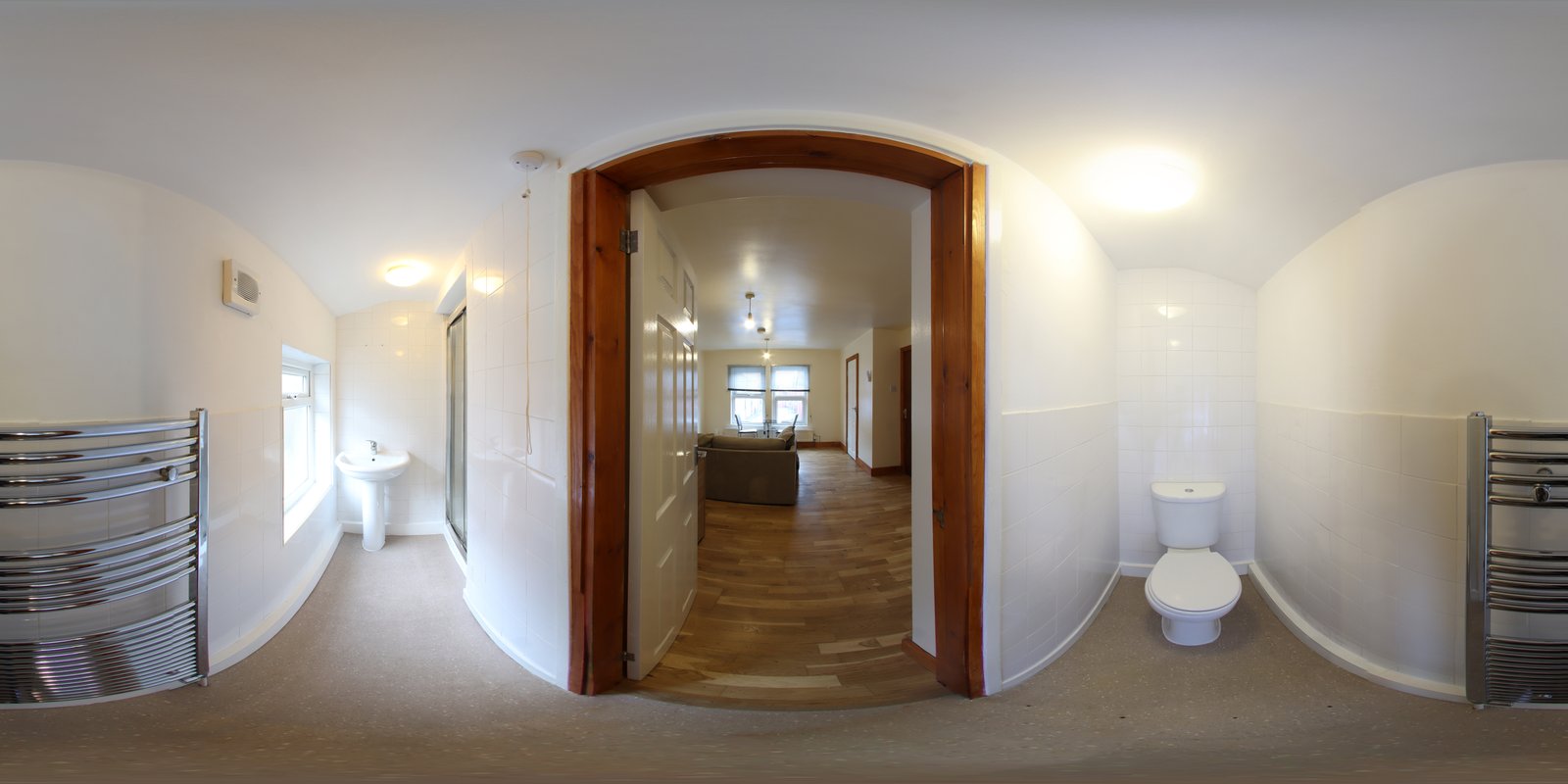
There’s a ridge I return to every autumn outside Bend, where the Cascades stack up in layers from west to east. The scene is roughly 180 degrees of usable sky, volcanic peaks, and high desert. My camera’s widest lens can’t touch it. Neither can a single frame at any focal length without introducing so much foreground distortion that the mountains look like they’re leaning away from the viewer. The only honest way to render that place is to stitch it, and I spent an embarrassing amount of time doing it wrong before I understood what was actually happening between the frames.
The Physics Behind the Stitching Problem
When you rotate a camera on a standard tripod ball head and fire multiple frames, the lens isn’t rotating around its optical center. It’s rotating around the tripod socket, which sits somewhere near the bottom of your camera body. That offset might be two or three inches, but it’s enough to introduce parallax error, the apparent shift in the relative position of near and far objects as your viewpoint changes. In flat scenes, like a distant mountain range with no foreground interest, this matters very little. But put a rock, a wildflower, or a fence post within twenty feet of your lens, and the seams in your stitch will start to ghost and tear.
The fix is a nodal slide, sometimes called a pano rail. It lets you position the camera so the lens rotates around its no-parallax point (NPP) rather than the tripod socket. For a 24mm lens, that point is roughly at the front element. For a 50mm, it moves back. Most manufacturers publish NPP data for their lenses, and it takes about ten minutes with a doorframe to find it experimentally. I use an Arca-Swiss compatible rail from Really Right Stuff, roughly $150 new, and it is one of the three pieces of gear I would never leave behind.
Settings That Actually Hold Across Every Frame
Mode: Manual. Always manual. Not aperture priority, not program. Exposure priority modes will hunt as you pan across bright sky and dark shadow, and your frames will come back with inconsistent exposures that no stitching software can fully correct. Pick your exposure on the brightest part of the scene, lock it in, and commit.
Autofocus: Off. Set focus manually or use back-button focus, lock it, then switch the lens barrel to manual before you start rotating. If your camera hunts focus between frames, even slightly, you will get soft edges that misregister during the stitch.
Overlap: 30 to 40 percent between frames. Less than that and the stitching software struggles to find matching points. More than that and you’re creating unnecessary work. I shoot in portrait orientation for most panos because it gives me more vertical coverage and more pixels in the final stitch, typically 80 to 100 megapixels when I’m working at 24mm across a four-frame sequence with my Sony A7R V.
White balance: Kelvin, locked to a specific value. Auto white balance will drift slightly between frames, and that drift creates banding across the stitch that becomes painfully visible in large prints.
Why Focal Length Changes Everything About the Composition
I see a lot of photographers defaulting to their widest lens for panoramas. It feels intuitive, but ultra-wide lenses introduce barrel distortion that compounds during the stitch and creates curved horizons that software like Lightroom’s Panorama Merge or PTGui struggles to fully correct. I’ve gotten cleaner results with a 50mm or a 70mm, accepting that I need more frames to cover the scene, than I ever did trying to rush it with a 16mm.
At 70mm, a five-frame pano of that Cascade ridge produces a final image around 140 megapixels, which will print cleanly at 40 inches wide with room to spare. At 16mm, I might get 60 megapixels from the same scene, but the geometry correction softens the outer edges and I lose detail I can’t recover. The longer the focal length, the flatter and more natural the perspective compression, which is usually exactly what you want from a mountain scene.
What I Learned from Standing in Fog for Two Days
A few years back I drove six hours to the Oregon coast for a specific shot I had mapped out, a sweeping pano of sea stacks at sunrise. I arrived to solid fog. No clearing the first morning. No clearing the second morning. I almost packed up and left at noon on day two, but I stayed, and by mid-afternoon the fog began to thin in patches. What I got wasn’t the shot I planned. The sea stacks were barely visible, layered behind curtains of mist, and the light was flat and directionless. I fired the sequence anyway, more out of habit than hope.
That stitch became the best-selling print I’ve ever made. The fog did something I couldn’t have engineered, it compressed all the depth into a single tonal value and made the scene feel infinite. The panorama format amplified that. A single frame would have felt claustrophobic. Stitched across five frames at 85mm, the image breathes.
I tell this story not to romanticize suffering in bad weather, but because it taught me something practical: capture the frames correctly every time, regardless of whether you think the light is good enough. The stitch is a technical process. It doesn’t care about your expectations.
The Stitch Workflow I Use on Every Shoot
For 90 percent of my panos, I use Lightroom’s Panorama Merge (Shift+M in the Develop module). Select the frames in the Filmstrip, Shift+M, choose Cylindrical projection for wide scenes or Spherical for anything over 120 degrees, set Boundary Warp to around 50 to avoid cropping too aggressively, and merge. It processes in the background and delivers a DNG file, not a flattened JPEG, which means I keep full raw editing latitude for the final adjustments. For anything with complex foreground overlap or significant parallax, I move to PTGui Pro, which gives me manual control point editing and handles problem seams that Lightroom won’t.
The one thing I would not skip, even under pressure, is shooting a clean bracket at the beginning of every pano sequence, one frame for shadows and one for highlights. I don’t always use them. But when the light is extreme and the shadows go black in the stitch, you’ll want the option.
Get the rotation right, lock every variable that can drift, and overlap enough to give the software something to work with. Everything else is just choosing where to stand.
Comments (3)
I keep coming back to this article. It's that useful.
Simple but effective. Sometimes that's all you need.
Love how you break down complex stuff into manageable steps.
Leave a Comment