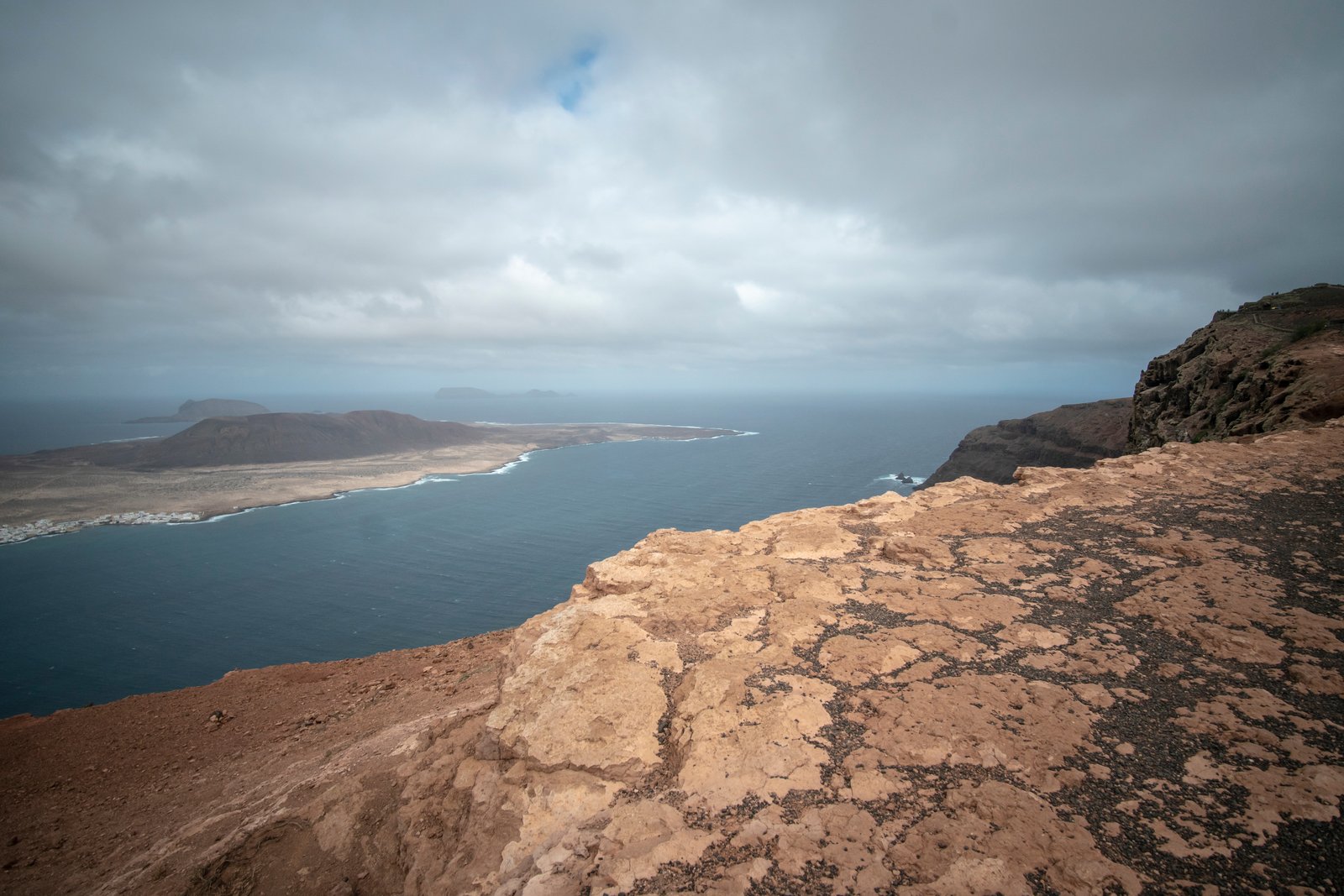
There’s a ridgeline outside Bend I’ve been shooting for years. On a clear morning in October, it catches the first alpenglow in a way that makes the whole sky feel like it’s been lit from underneath. The scene is about 180 degrees wide. A single frame, even with my widest rectilinear lens, kills it. The compression flattens the drama, shrinks the peaks, and turns something enormous into something merely pretty. The only answer is a panorama, and for most photographers, that’s where the frustration starts.
I’ve reviewed thousands of student images in my workshops. The panoramic failures I see most often aren’t software problems. They’re field problems. The sequence was shot handheld, with auto exposure flickering between frames, at the wrong point of rotation. By the time the file lands in Lightroom, no amount of clever stitching corrects what went wrong three hours earlier in the dark.
Why the Nodal Point Matters More Than Your Software
When you rotate a camera on a standard tripod head, the lens pivots around the tripod socket, which sits below the camera body. The problem is that parallax errors don’t originate there. They originate at the entrance pupil of the lens, sometimes called the nodal point, which sits somewhere inside the lens barrel itself. Rotate around the wrong axis and near objects shift position relative to far objects between frames. Lightroom or PTGui will try to reconcile that, and sometimes it can. But give it a scene with foreground rocks and a distant ridgeline and you’ll see the ghost lines, the warped stones, the seam that no mask can hide.
A dedicated panoramic rail solves this. I use an Really Right Stuff nodal slide, which runs around $200. You mount it between your ball head and your L-bracket, then shift the camera forward or backward until the entrance pupil sits directly over the rotation axis. Every lens has a different value. My Canon 24-70mm at 35mm sits at roughly 78mm from the mounting screw. I keep a small notebook in my bag with the nodal point measurements for every lens I own.
The Field Setup That Actually Holds Together
Once I’m dialed in on the nodal point, the rest of the capture sequence is almost mechanical, and deliberately so. I lock everything manual: manual focus confirmed with live view zoom to 10x, manual exposure, manual white balance. Shooting at ISO 100, f/8, with exposure locked on the midtone of the scene. I’ll fire one test frame, check the histogram for highlight clipping, and adjust from there before rotating a single degree.
Overlap is where most people underestimate. The advice you’ll read online says 20 to 30 percent. I shoot 40 to 50 percent, especially when I’m using anything wider than 50mm. Wider lenses distort toward the edges of the frame, and that distortion has to reconcile with the distorted edge of the adjacent frame. More overlap gives the stitching algorithm more clean, central image data to match. The file sizes get large, yes. A seven-frame sequence at 45 megapixels per frame will hand you a stitched TIFF somewhere between 400 and 800 megabytes. Budget for that in your storage workflow.
I pan from left to right, always. I take a photo of my hand before the first frame and after the last. In Lightroom, those hand frames make it effortless to group sequences when I’m reviewing a morning’s worth of shooting. Small habit, saves real time.
Stitching: Where Most Photographers Lose the File
PTGui Pro is $119 and it handles difficult sequences that Lightroom simply won’t complete without visible seams. I run everything through PTGui now. I import the sequence, let it run its automatic control point detection, then switch to the Panorama Editor to check the alignment before I render anything. If I see a horizon that’s slightly bowed, I adjust the projection. Equirectangular works for very wide captures. Cylindrical usually gives me the most natural horizon line for standard landscape compositions. Rectilinear is fine for sequences under 60 degrees wide.
I render to 16-bit TIFF at full resolution. No exceptions. The final print editing happens in Photoshop on that TIFF. Flattening to JPEG before you’ve finished processing a 400-megapixel file is how you get banding in your skies when the print comes back at 40 inches wide.
The Fog Trip and the One Frame I Didn’t Plan
A few years ago I drove six hours to the Oregon coast for a specific dawn shot I’d been planning for a month, a wide panorama of sea stacks in hard morning light. What I got was two days of dense fog and a very long conversation with my own impatience. On the second morning, I gave up on the planned shot entirely and just walked the beach. The fog thinned for about eight minutes around 7am and lit up in a way I’d never seen. I shot a five-frame sequence handheld, which I’d normally never do, because I had no time to set up the tripod. Focal length was 50mm, and the scene had no significant foreground elements, which meant parallax was negligible.
That stitched file became my best-selling print. It hangs in three galleries. The lesson isn’t to shoot handheld. The lesson is that understanding when the rules bend, and why, is what separates a technique from a reflex.
When to Stitch and When to Walk Away
Not every wide scene is a panorama candidate. If you have strong foreground interest within six feet of the lens, a complex sky with fast-moving clouds, or a scene that spans more than 220 degrees, you’re introducing variables that will cost you hours at the computer. Sometimes the answer is a shift lens, or a different composition that fits a single frame with room to breathe.
The panorama is a tool for a specific problem: a scene whose horizontal scale exceeds what a single frame can hold with adequate resolution and natural perspective. Used for that problem, with clean technique in the field, it produces files that nothing else can match.
Get the nodal point right before you leave the trailhead. Everything downstream of that decision gets easier.
Comments (3)
Finally someone explains this in a way that actually makes sense.
The before and after really sells it. Incredible difference.
Just used this on a wedding shoot edit. Client was thrilled.
Leave a Comment