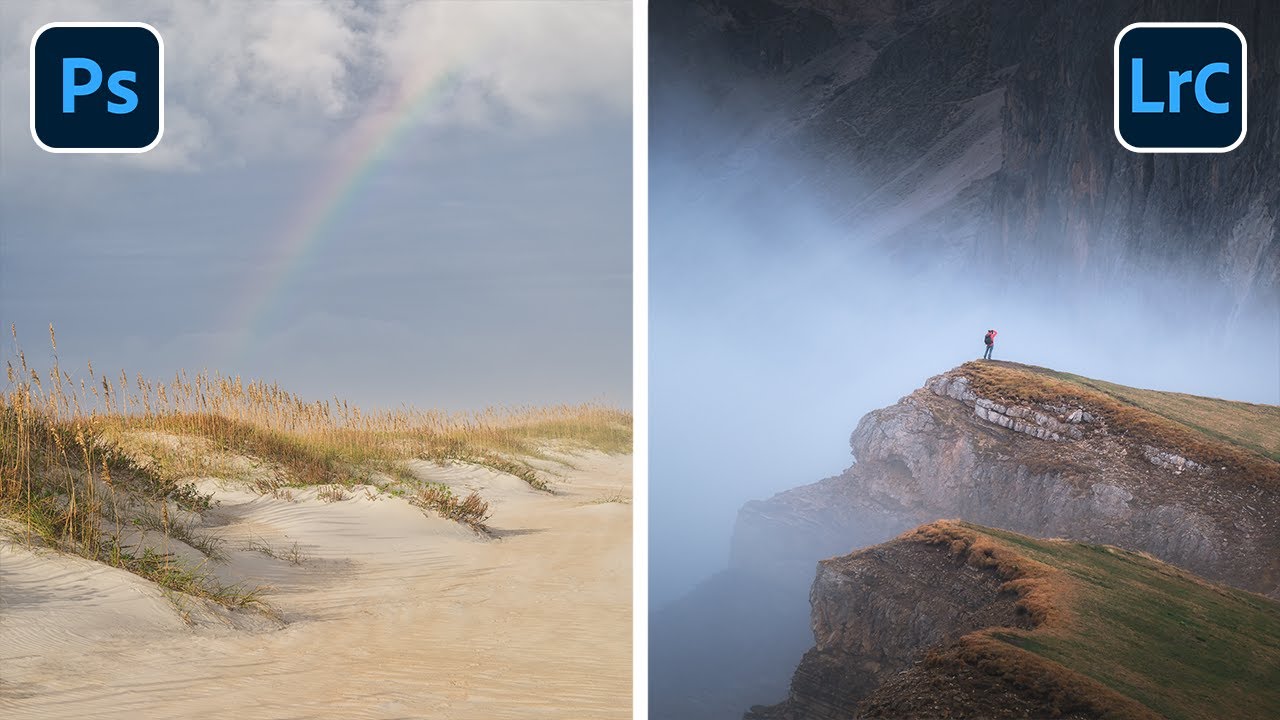
The Last 7 Things I Do to Every Landscape Photo (And Why They Matter)

The Last 7 Things I Do to Every Landscape Photo (And Why They Matter)

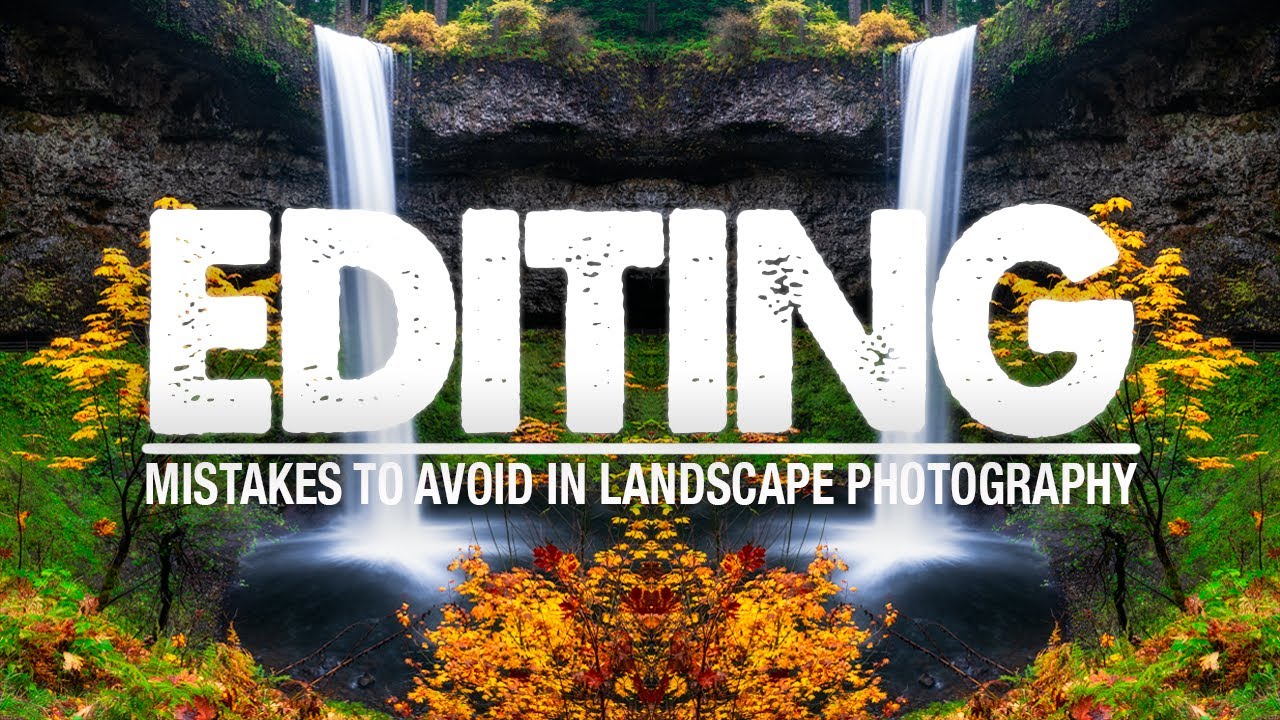
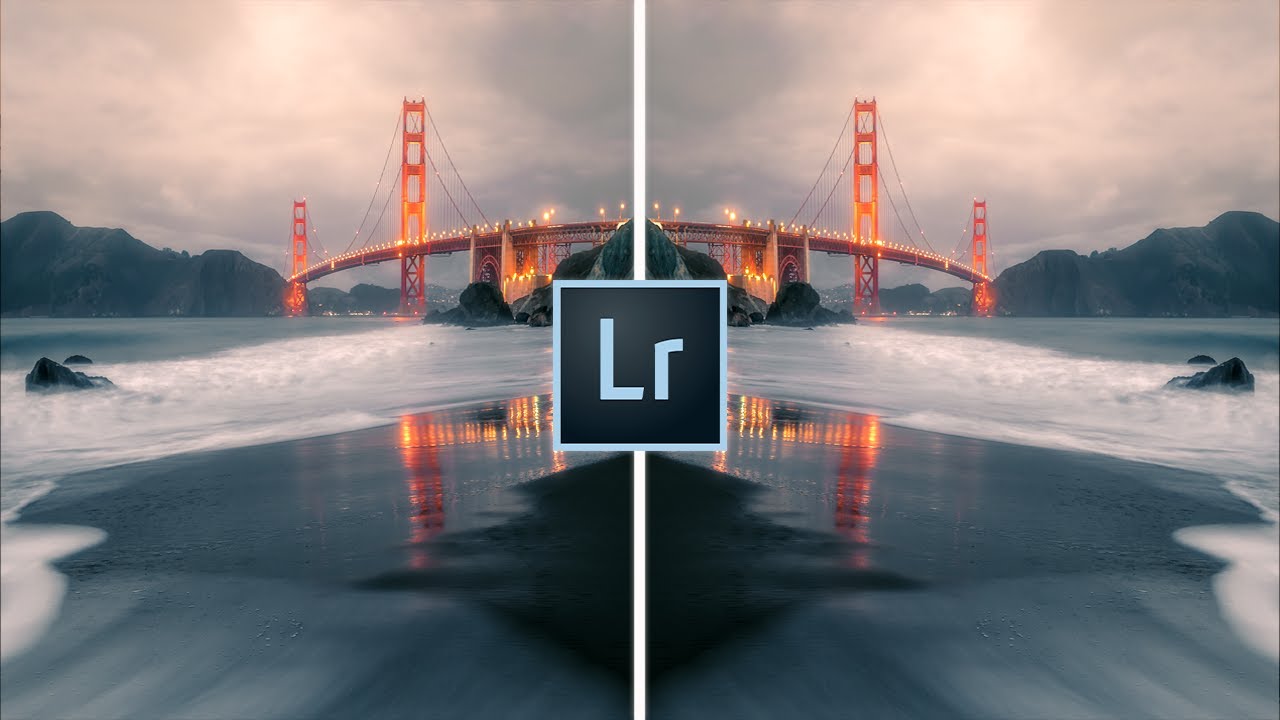
There’s a particular kind of frustration that comes from finishing an edit, stepping away, and coming back an hour later to find the photo still doesn’t feel done. The tones are right. The exposure is dialed. But something is missing — some quality that separates a processed file from a finished photograph. I spent years chalking that up to a problem in the field. Wrong light, wrong lens, wrong timing. It took a long time to understand it was almost always a problem at the end of my editing workflow, not the beginning.

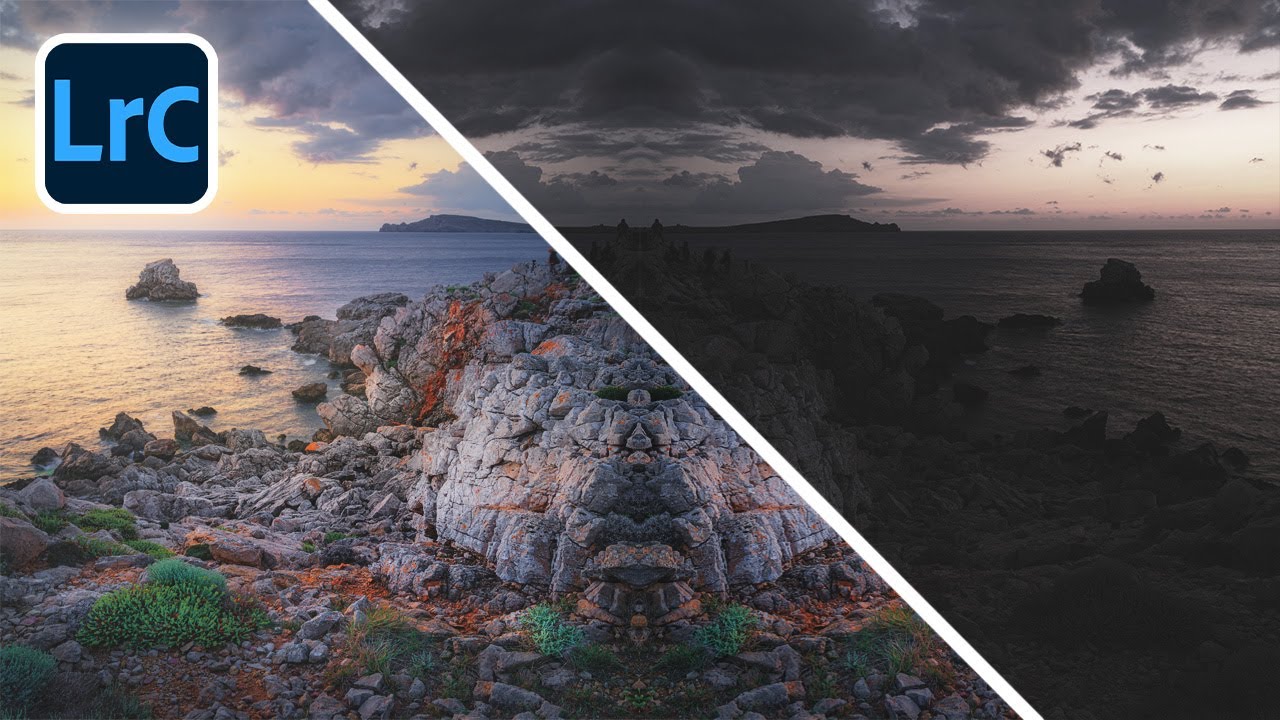
How Radial Filters Saved My Blue Hour Shot (And Why I Use Them on Almost Every Edit)

How Radial Filters Saved My Blue Hour Shot (And Why I Use Them on Almost Every Edit)

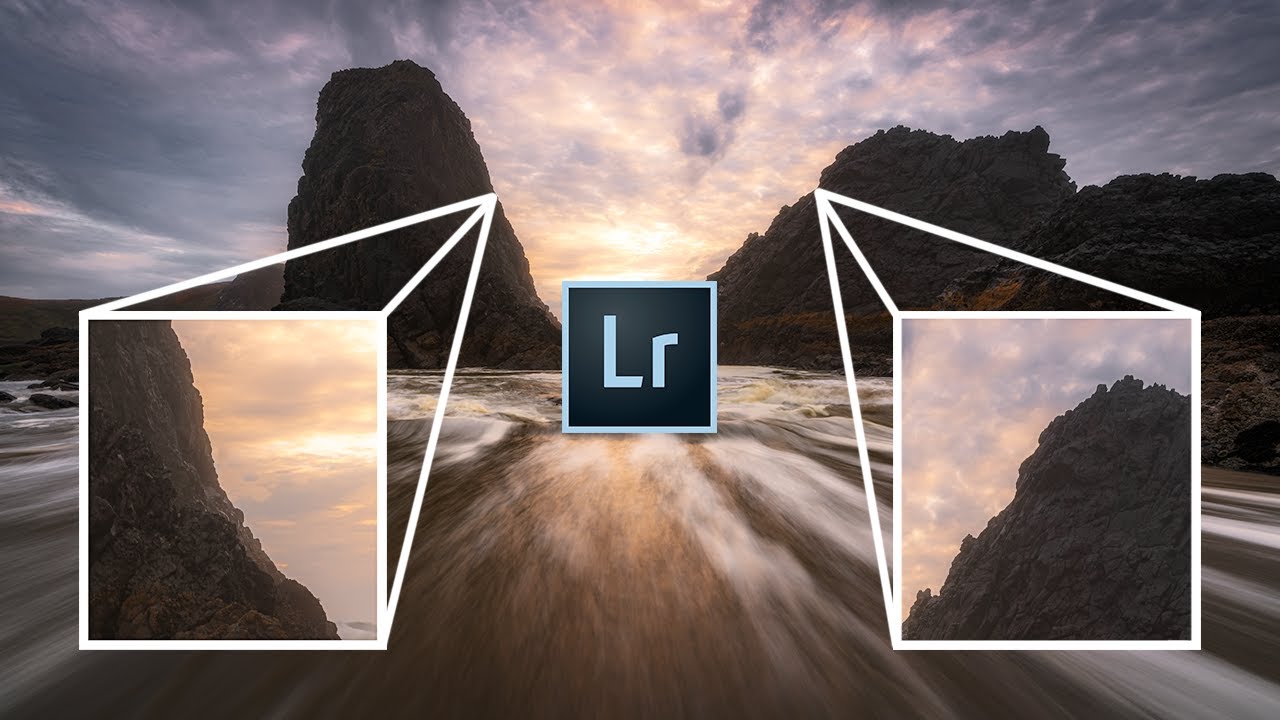
There’s a particular kind of frustration that comes with getting everything right in the field — the composition, the timing, the angle of first light skimming across the rocks — and then sitting down at your desk and watching the edit fall flat. The light that moved you when you were standing there just doesn’t translate. I’ve stood in enough pre-dawn darkness to know that the camera almost never captures directional light the way your eye reads it.

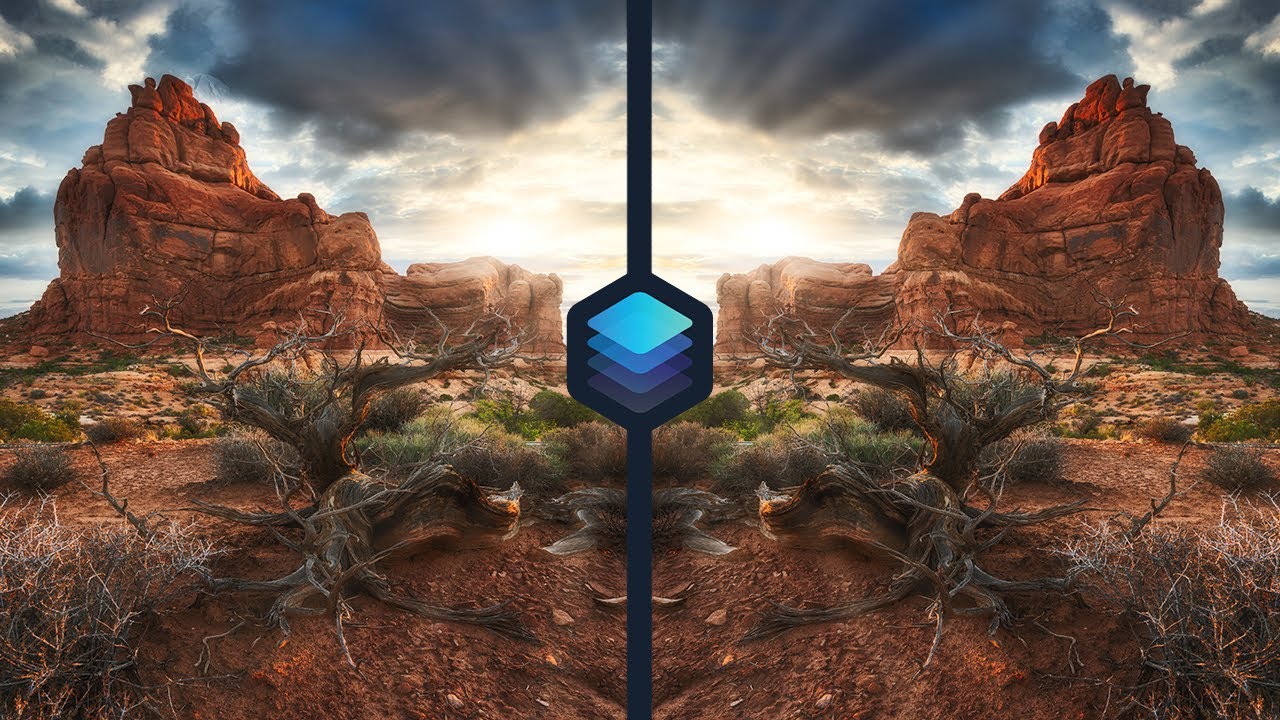
How Luminar 4's AI Tools Quietly Rewired My Landscape Editing Workflow

How Luminar 4's AI Tools Quietly Rewired My Landscape Editing Workflow

I’ve been editing landscape photos the same way for the better part of two decades. Lightroom for the global adjustments, Photoshop when I need to get surgical. It works. It’s reliable. And honestly, I’d grown comfortable enough with it that I stopped asking whether there was a better way. That comfort is exactly the kind of thing that can quietly stall your growth as a photographer. So when I came across Watch the full tutorial on YouTube - a breakdown by Mark Denney on editing landscape photos inside Luminar 4 - I watched it the same way I’d watch a fellow workshop instructor work: looking for the one thing I hadn’t thought of yet.

The Orton Effect Explained: How I Add Soft, Dreamy Glow to My Landscape Photos

The Orton Effect Explained: How I Add Soft, Dreamy Glow to My Landscape Photos

There is a quality of light I chase constantly out here in the high desert around Bend. It happens maybe a dozen mornings a year, when the atmosphere is thick enough to scatter the first rays but thin enough to still let color through. Everything glows from the inside. The trees, the ridgelines, the frost on the grass. I have been trying to recreate that feeling in post-processing for two decades, with mixed results.

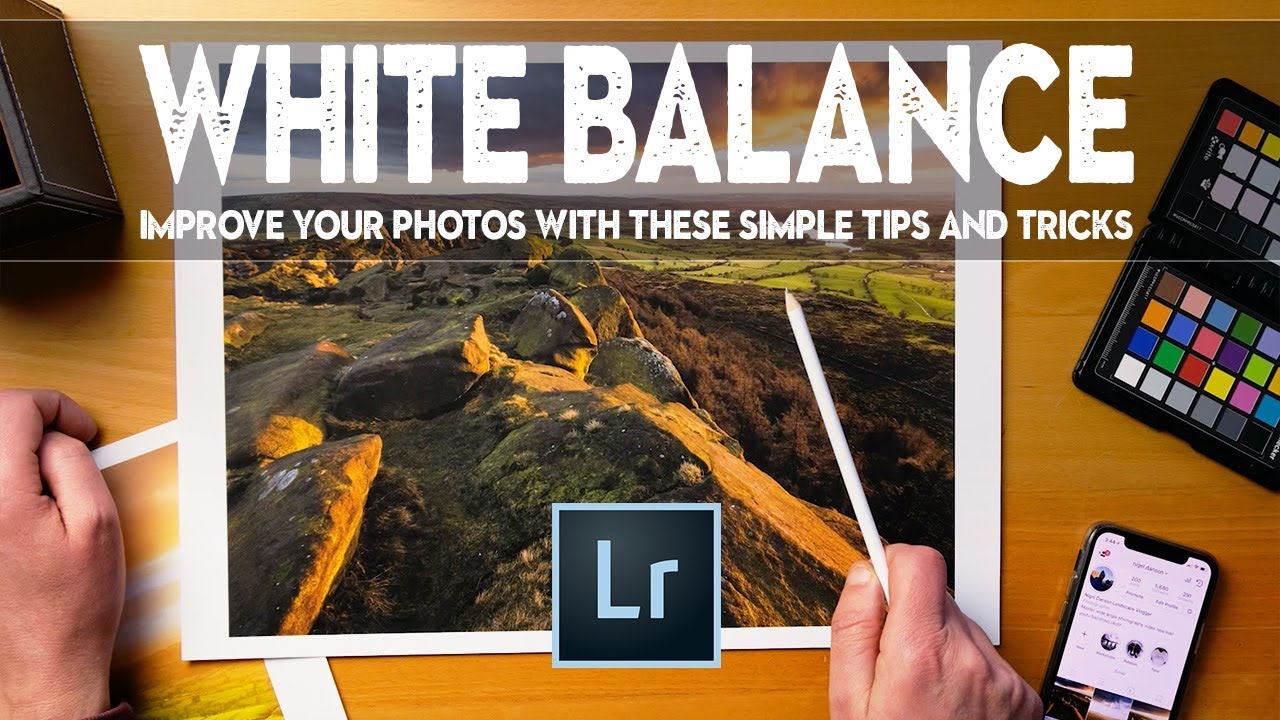
Color That Feels True: 7 Lightroom Tips From a Tutorial Worth Your Time

Color That Feels True: 7 Lightroom Tips From a Tutorial Worth Your Time

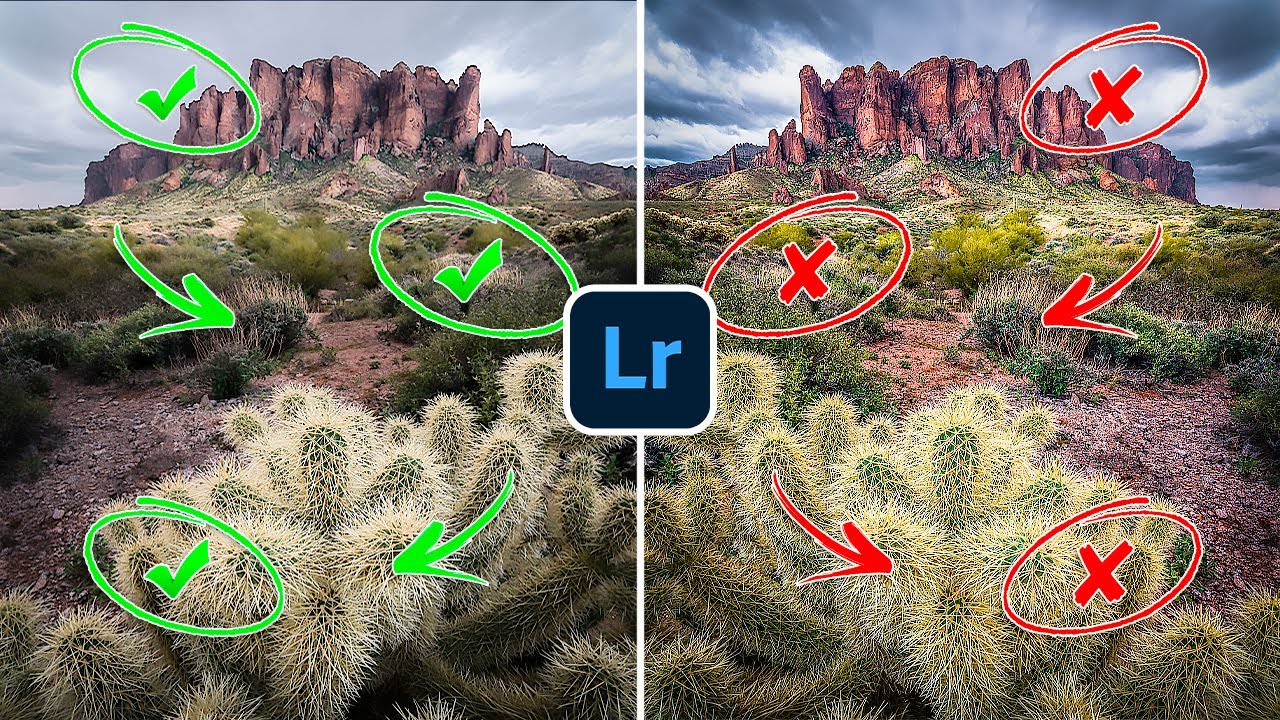
Color has always been the thing that either pulls a viewer into a landscape image or quietly pushes them away. I’ve been making photographs in the field for twenty years, and I still come home from shoots where the light was extraordinary and find that the raw files look flat, muddy, or just slightly off in a way I can’t immediately name. The colors in my head don’t match the colors on the screen, and closing that gap is the real work of editing.

Stop Cropping Just to Clean Up Edges — Use Lightroom's Grid Overlays to Rethink the Whole Frame

Stop Cropping Just to Clean Up Edges — Use Lightroom's Grid Overlays to Rethink the Whole Frame

There’s a specific kind of disappointment I’ve felt more times than I’d like to admit. You’re standing at a location before dawn, the light is doing something extraordinary, your heart is hammering, and you’re firing frames as fast as your cold fingers will allow. You get home, load the cards, and the light is all there. But the composition? It’s soft. Not wrong, exactly. Just not as tight or as intentional as it felt in the field.

Three Plugins That Do the Heavy Lifting After Lightroom Is Done

Three Plugins That Do the Heavy Lifting After Lightroom Is Done

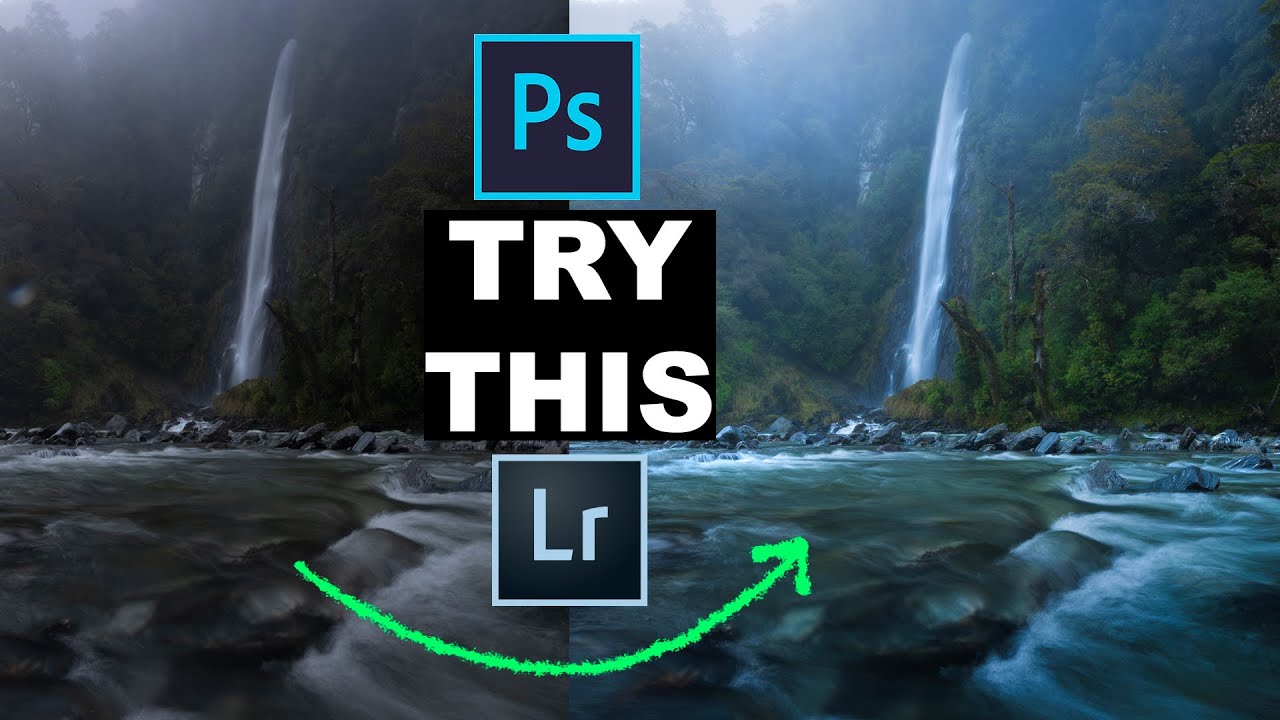
There’s a moment in post-processing that every landscape photographer knows. You’ve done everything right in Lightroom. White balance is dialed in, the tone curve feels honest to what you saw at the scene, and the shadows in the foreground are finally holding detail. And yet something is still missing. The image is technically correct but not quite finished. That gap is where a handful of well-chosen plugins earn their keep, and it’s something I’ve spent years figuring out through trial and error.

Split Toning in Lightroom: The Quiet Fix for Flat Landscape Colors

Split Toning in Lightroom: The Quiet Fix for Flat Landscape Colors

There’s a particular kind of disappointment I know too well. You’re out before dawn, boots wet, hat pulled low, watching a sky that looks like it was painted by someone who really meant it. You fire off dozens of frames. You drive home buzzing. Then you pull the files up on your monitor and the magic just… isn’t there. The colors look thin. The warmth you felt standing in that field didn’t make the trip.

Keep It, Move It, or Kill It: The Element Removal Decision Every Landscape Photographer Faces

Keep It, Move It, or Kill It: The Element Removal Decision Every Landscape Photographer Faces

There’s a particular kind of paralysis that hits me when I’m sitting at my editing desk at 5am, coffee going cold, staring at a frame I know is almost right. Something in the image is pulling at my eye. A stray branch in the lower left. A utility pole ghosting through a ridgeline. A farmhouse sitting right in the middle of an otherwise clean sweep of desert light. I’ve been shooting landscapes full-time for two decades and that moment still stops me cold: do I take it out, leave it alone, or try to move it somewhere less damaging?

Focal Length Blending: How to Keep a Wide Foreground Without Shrinking Your Subject

Focal Length Blending: How to Keep a Wide Foreground Without Shrinking Your Subject

Wide angle lenses are a gift and a curse. I’ve been shooting landscapes for twenty years, and I still feel the pull of that 16mm frame, the way it swallows a rocky foreground and drags the viewer straight into the scene. But there’s a cost. That same curvature that makes a foreground sing will compress and shrink whatever sits at the center of the frame. A mountain range that stopped your breath at dawn ends up looking like a gentle suggestion in the background.

How to Process a Dramatic Black and White Landscape in Lightroom (The Way I Actually Do It)

How to Process a Dramatic Black and White Landscape in Lightroom (The Way I Actually Do It)

There is a particular kind of morning light that almost defeats you in color. The tones are real, the drama is there, but when you look at your raw file back home, something feels flat. The contrast that punched you in the chest when you were standing ankle-deep in cold water at first light just doesn’t translate. I’ve been making landscape photographs for twenty years and I still run into this problem regularly.

The Lightroom-Only Orton Effect That Actually Works (A Step-by-Step Breakdown)

The Lightroom-Only Orton Effect That Actually Works (A Step-by-Step Breakdown)

Scroll through any landscape photography feed right now and you’ll spot the Orton effect everywhere - that soft, glowing, almost otherworldly quality that makes a forest or mountain scene feel like it was pulled from a dream. Some of it is overdone to the point of distraction. But when it’s applied with restraint, something interesting happens: the photograph stops looking like a document of a place and starts feeling like an experience of one.