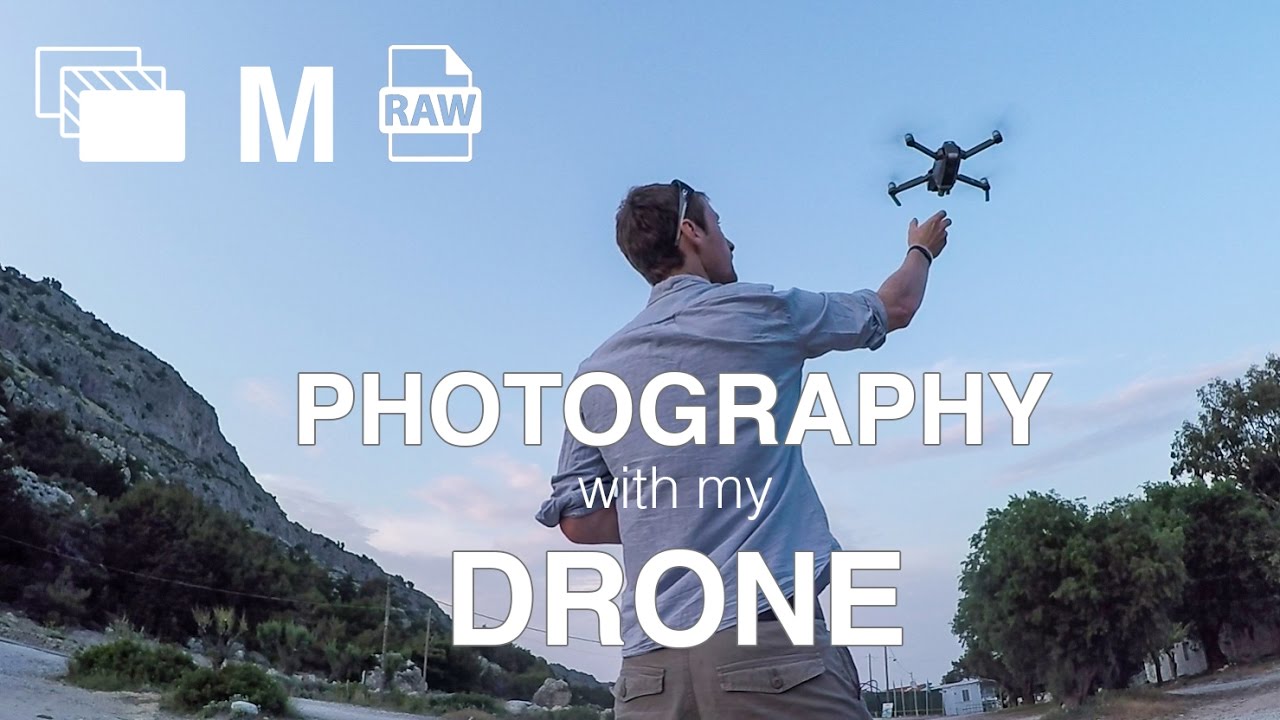
I’ll be honest: for a long time I resisted the drone. Twenty years of hauling packs up ridgelines before sunrise, earning compositions the hard way, and then a consumer quadcopter shows up and anyone can float over the scene in thirty seconds. It stung a little. But the thing that actually changed my mind wasn’t the footage I saw. It was a question somebody asked me at one of my workshops: “Does the altitude matter if the photograph is still bad?” That question sat with me for months.
Watch the full tutorial on YouTube
In this Thomas Heaton tutorial, filmed during a family holiday on the Greek island of Rhodes, Heaton takes his DJI Mavic Pro out for a casual session near his hotel beach and a stunning coastal bay called Anthony Quinn Bay. What makes this video worth studying has nothing to do with exotic locations or dramatic weather. It’s the thinking out loud, the working through of what actually makes a drone image worthwhile, that I keep coming back to. Heaton is self-deprecating about his flying skills, but his photographic instincts are sharp and his reasoning is transferable to any landscape situation. Here’s what I took from it, broken down into steps you can put to use on your next flight.
Step 1: Set Your Expectations Before You Launch
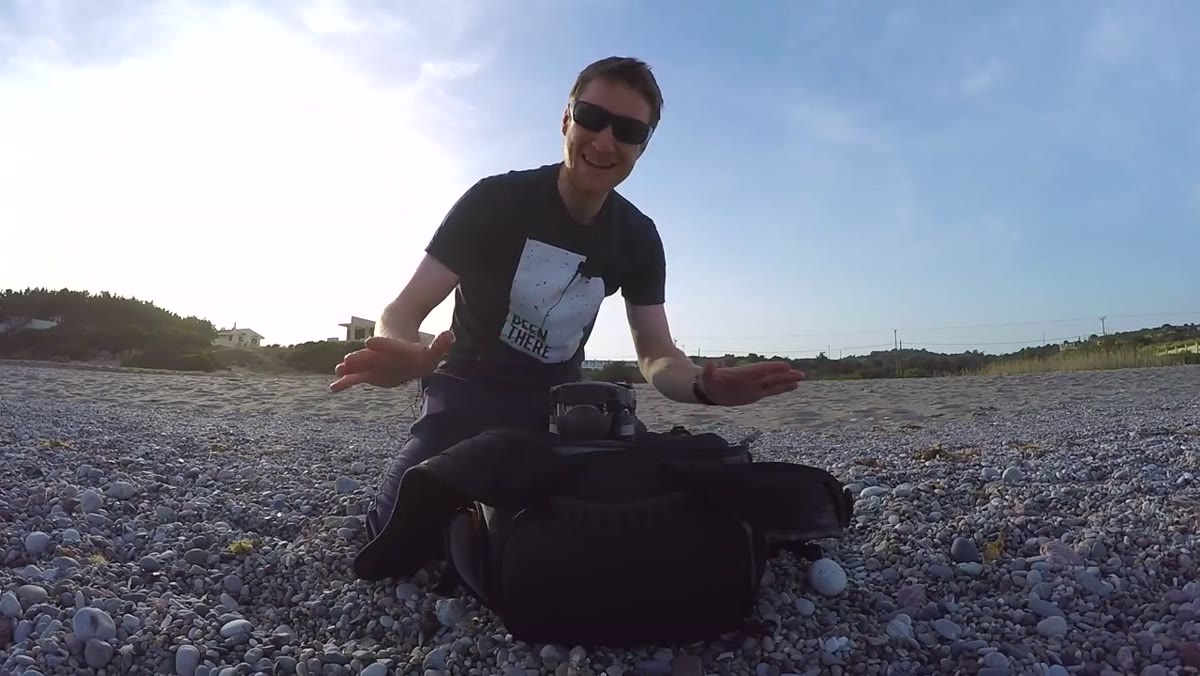 Heaton speaking to camera, drone ready to fly
Before you send the drone up, get honest about what the location actually offers. Heaton opens by acknowledging that his beachfront hotel setting is not an obvious landscape photography destination. Instead of chasing a shot the location can’t deliver, he reframes the objective entirely. He’s not looking for grand vistas. He’s looking for abstract shapes, patterns, and geometry that only become visible from altitude.
Heaton speaking to camera, drone ready to fly
Before you send the drone up, get honest about what the location actually offers. Heaton opens by acknowledging that his beachfront hotel setting is not an obvious landscape photography destination. Instead of chasing a shot the location can’t deliver, he reframes the objective entirely. He’s not looking for grand vistas. He’s looking for abstract shapes, patterns, and geometry that only become visible from altitude.
This is a mindset shift worth internalizing before every flight. Not every location rewards altitude with a sweeping view. Some locations reward altitude with a completely different kind of image. Know which situation you’re in before the battery starts draining.
Step 2: Look Straight Down First
 Drone camera pointing straight down over beach sunloungers
The most underused perspective in drone photography is straight down, what cinematographers call a nadir shot. Heaton flies over the hotel’s beach sunloungers and points the camera directly at the ground. From there, white umbrellas arranged in rows become a graphic composition of shapes and negative space against sand and blue water.
Drone camera pointing straight down over beach sunloungers
The most underused perspective in drone photography is straight down, what cinematographers call a nadir shot. Heaton flies over the hotel’s beach sunloungers and points the camera directly at the ground. From there, white umbrellas arranged in rows become a graphic composition of shapes and negative space against sand and blue water.
When you’re scouting from the air, spend thirty seconds pointing the camera straight down before you do anything else. You’re looking for patterns that ground-level perspective completely hides. Grids of objects, the edge between two surfaces, repeated shapes with slight variation. These make for images that feel genuinely aerial rather than just “taken from high up.”
Step 3: Embrace Broken Symmetry
 Overhead shot of umbrellas, some loungers at angles
Heaton notices that while the umbrellas are neatly lined up, several of the sunloungers are angled or offset. His instinct is to work with that rather than hunt for a cleaner frame. He calls it “broken symmetry” and points out that it adds visual interest, a tension that keeps the eye moving through the frame.
Overhead shot of umbrellas, some loungers at angles
Heaton notices that while the umbrellas are neatly lined up, several of the sunloungers are angled or offset. His instinct is to work with that rather than hunt for a cleaner frame. He calls it “broken symmetry” and points out that it adds visual interest, a tension that keeps the eye moving through the frame.
Perfect order can be sterile. A single element that breaks the pattern gives the viewer something to discover. If you’re photographing repeating elements from above, look for the one that’s different. Crop toward it intentionally. It becomes your anchor point rather than your problem.
Step 4: Move Closer to Isolate
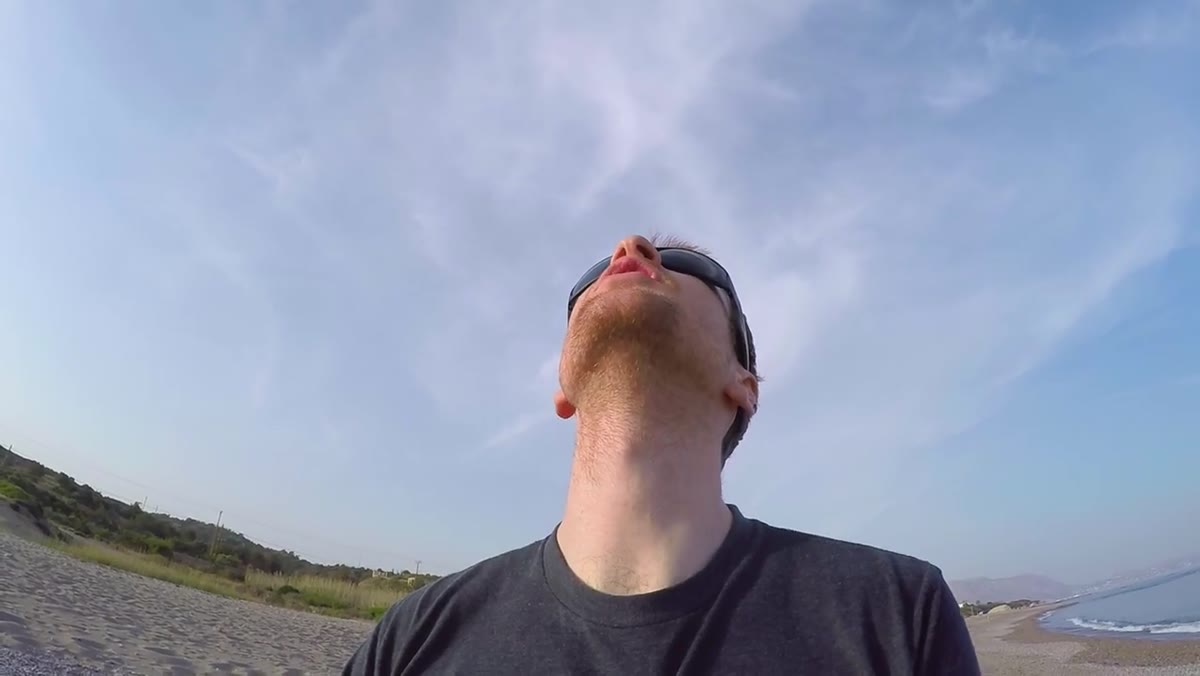 Drone descends closer, umbrellas fill the entire frame
After establishing the wide composition, Heaton brings the drone lower and tighter until the umbrellas fill the entire frame with no beach or water visible. The image becomes purely about shape and contrast. This is a step a lot of aerial photographers skip because the wide shot feels more impressive in the moment.
Drone descends closer, umbrellas fill the entire frame
After establishing the wide composition, Heaton brings the drone lower and tighter until the umbrellas fill the entire frame with no beach or water visible. The image becomes purely about shape and contrast. This is a step a lot of aerial photographers skip because the wide shot feels more impressive in the moment.
Train yourself to work through multiple focal distances on every subject, just as you would with a tripod and a zoom lens on the ground. Wide to establish context. Medium to balance subject and environment. Tight to isolate and abstract. The drone makes this effortless. Use it deliberately rather than just picking the altitude that looks okay on the first pass.
Step 5: Consider the Black and White Conversion in the Field
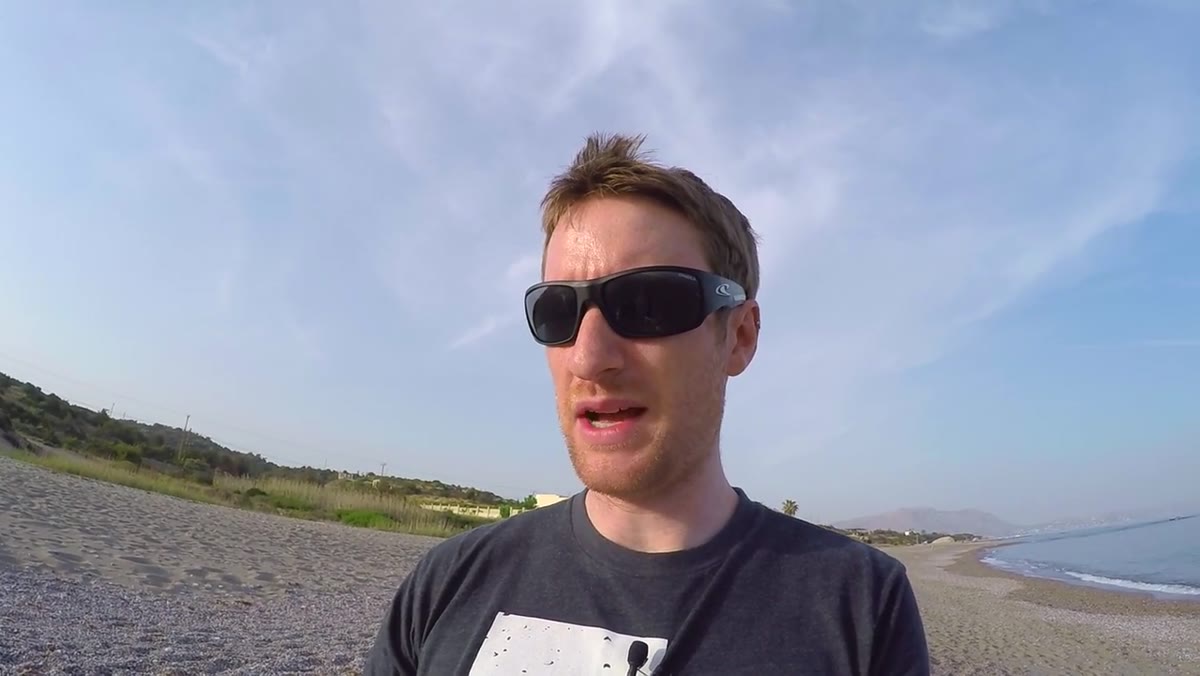 Heaton describing converting tight umbrella shot to black and white
Standing at the tighter frame of the umbrellas, Heaton mentions in the moment that he intends to convert the image to black and white in post. He’s not deciding that later at the computer. He’s seeing it while he’s flying.
Heaton describing converting tight umbrella shot to black and white
Standing at the tighter frame of the umbrellas, Heaton mentions in the moment that he intends to convert the image to black and white in post. He’s not deciding that later at the computer. He’s seeing it while he’s flying.
This is a habit I’ve built into my own shooting over the years, still shooting film occasionally has a way of forcing exactly this kind of pre-visualization. When you’re composing an aerial shot, ask yourself whether the image is working because of color or because of light and form. If it’s the latter, plan the monochrome conversion from the start and expose accordingly. Slight overexposure in flat light will protect your highlights and give you cleaner tones to work with in black and white.
Step 6: Use Golden Hour Light for Coastal Bay Shots
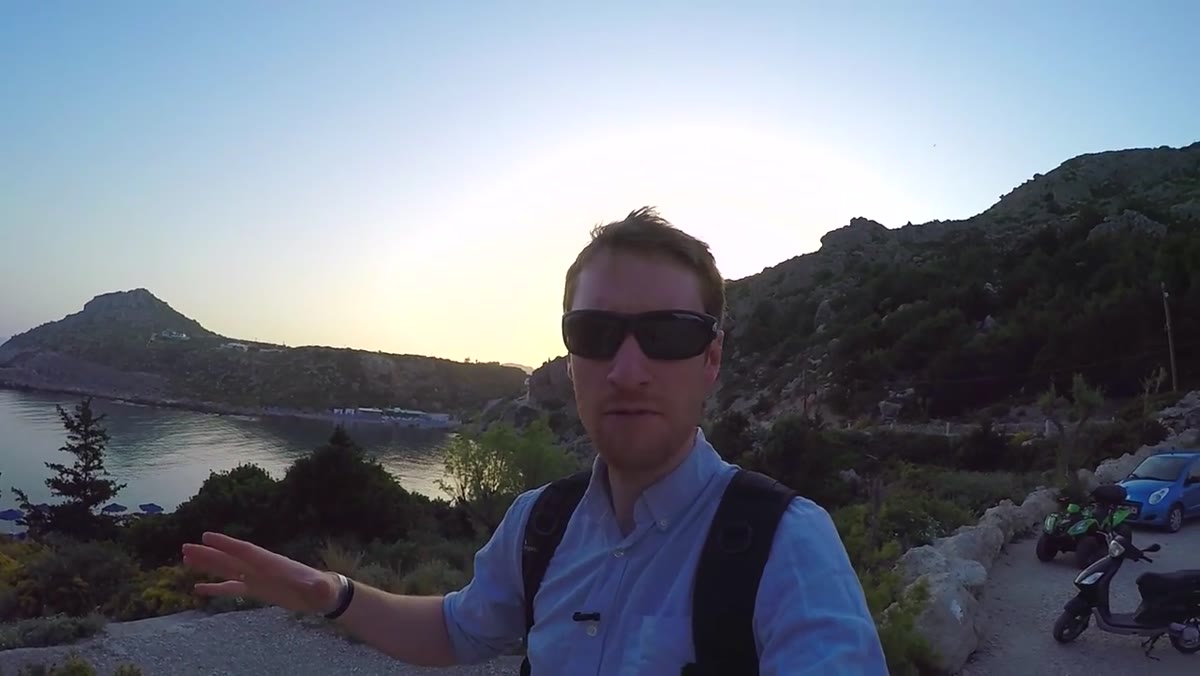 Heaton overlooking Anthony Quinn Bay, warm late afternoon light
At Anthony Quinn Bay, roughly an hour before sunset, Heaton shifts from abstract overhead work to more traditional coastal landscape composition. The soft directional light at that hour separates the shapes of the bay, defines the water’s texture, and gives color depth that midday sun flattens completely.
Heaton overlooking Anthony Quinn Bay, warm late afternoon light
At Anthony Quinn Bay, roughly an hour before sunset, Heaton shifts from abstract overhead work to more traditional coastal landscape composition. The soft directional light at that hour separates the shapes of the bay, defines the water’s texture, and gives color depth that midday sun flattens completely.
If you’re planning a drone session at a coastal or bay location, the same golden hour rules apply as they do from the ground. The difference is that from altitude, you can send the drone out over the water and look back at the coastline, a vantage point that’s impossible on foot. Plan your position on a map beforehand so you know which direction the light will come from and where you want the drone positioned relative to it.
Step 7: Explore Manual Settings for Creative Control
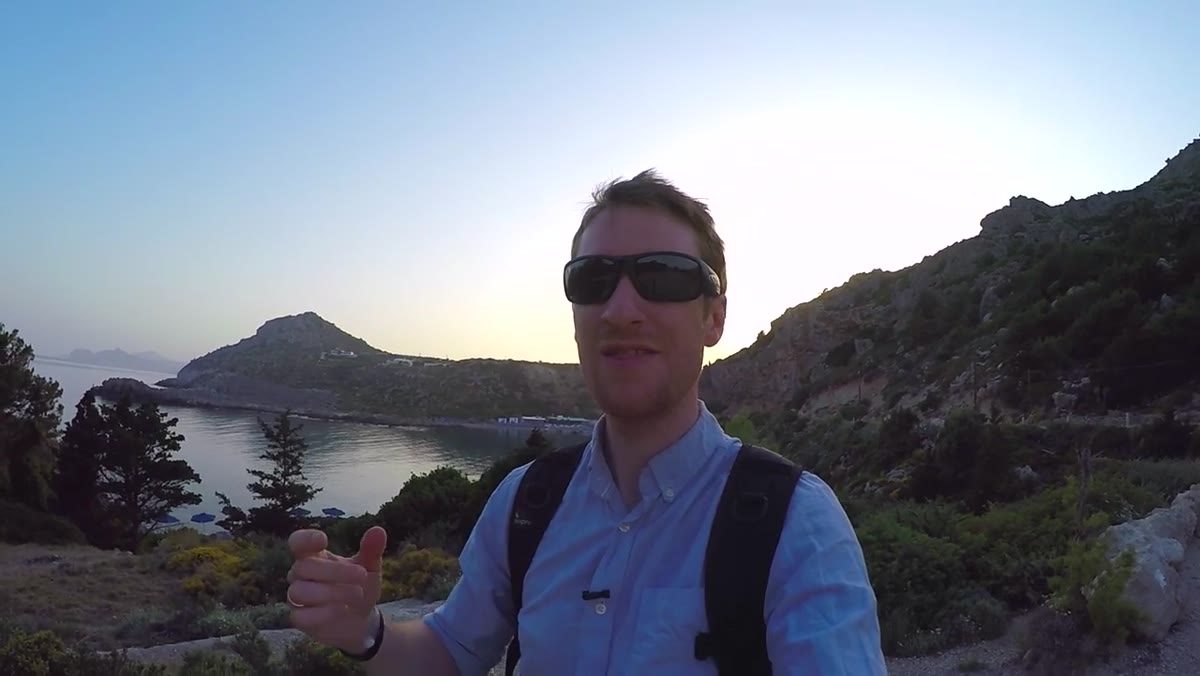 Heaton discussing manual exposure settings and vertical format option
At the bay, Heaton notes that the Mavic Pro app allows fully manual exposure control, giving him the ability to dial in a longer shutter speed if movement is present. He also mentions rotating the camera to shoot in vertical format, something often overlooked by drone pilots who default to widescreen every time.
Heaton discussing manual exposure settings and vertical format option
At the bay, Heaton notes that the Mavic Pro app allows fully manual exposure control, giving him the ability to dial in a longer shutter speed if movement is present. He also mentions rotating the camera to shoot in vertical format, something often overlooked by drone pilots who default to widescreen every time.
If your drone supports manual mode, use it. Set ISO as low as the light allows, use aperture to control depth of field where the camera permits it, and adjust shutter speed for the effect you want. For still water or a static subject, a slightly longer shutter can add a painterly smoothness. For choppy coastal water, it can create beautiful silky texture. And vertical format is worth trying at any location where the composition has more height than width.
What I’d Add From My Own Experience
The step Heaton doesn’t name explicitly but demonstrates throughout is patience with the process. He’s on holiday. He has no agenda beyond seeing what’s there. That relaxed approach produced images with genuine creative intention rather than the “quick lap and land” drone shots I see constantly online.
The hardest thing for most photographers to do with a drone is slow down. You get airborne, you see a lot at once, and the instinct is to move constantly. Resist that. Find something that interests you, hold position, and work it. Change altitude. Change angle. Try vertical. Try monochrome. A mentor once told me that the mountain doesn’t care about your schedule, and neither does the composition you haven’t found yet.
The single most important idea in this tutorial is deceptively simple: altitude is not a substitute for craft. A drone opens up perspectives, but it doesn’t hand you a good photograph. The fundamentals, subject, light, composition, and intention, follow you into the air. Take those seriously, and the Drone becomes one of the most powerful tools in the landscape photographer’s kit.
Watch the full tutorial on YouTube and watch how Heaton thinks through each frame. That internal narration is worth more than the footage itself.
Comments
Leave a Comment