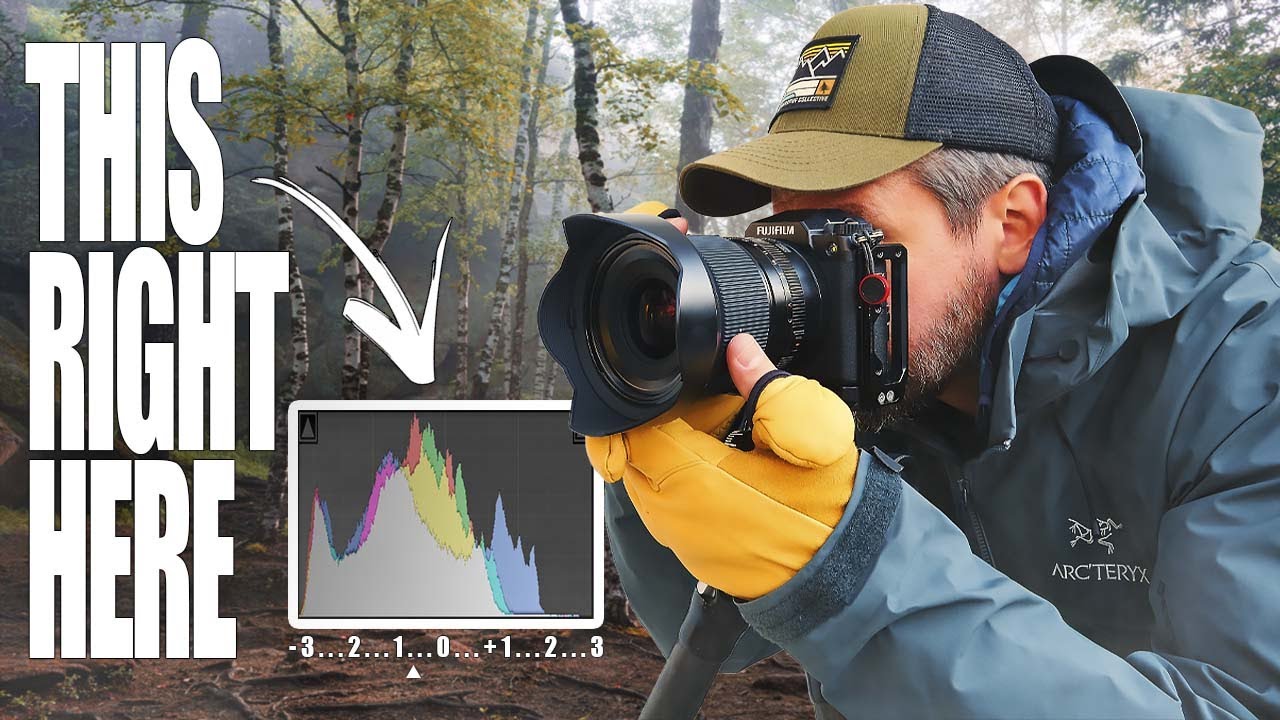
There’s a specific kind of frustration I know well. You’re standing at the edge of a ridge in the dark, the sky is doing something extraordinary, and you fire off what feels like a solid set of exposures. Then you get home, pull the files into Lightroom, and the shadows are a soupy mess of noise. You push the exposure slider and the image just falls apart. After twenty years of shooting landscapes professionally, I still have to remind myself that what looks good on the back of the camera and what’s actually in that raw file are two entirely different conversations.
That’s exactly the problem Mark Denney addresses in his tutorial on exposure mistakes beginners make with landscape photography. Watch the full tutorial on YouTube - it’s one of the clearest explanations I’ve seen of a technique called Expose to the Right, or ETTR. I’ve been doing some version of this for years without always being able to articulate why it works. Watching Mark break it down reminded me that even experienced photographers benefit from having their instincts put into plain language.
The core idea is simple but counterintuitive: your camera sensor captures far more usable information when it has more light to work with. Underexposing to protect your highlights feels safe in the field, but it often creates more problems in post than it solves.
Step 1: Stop Trusting the LCD
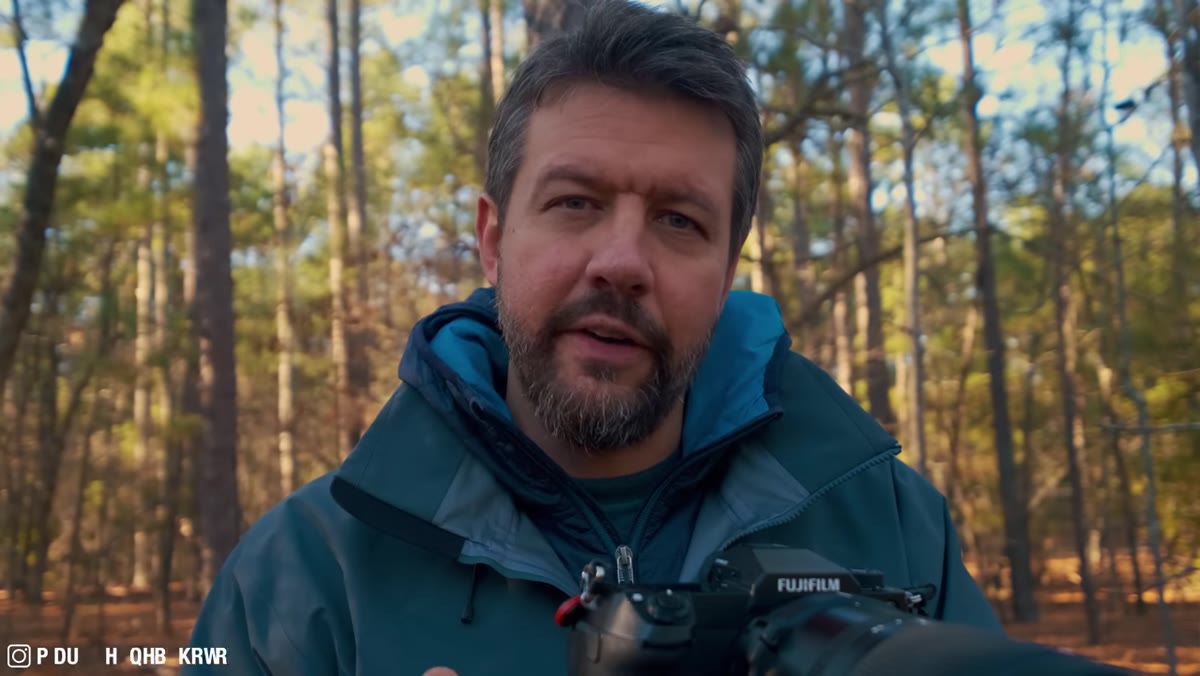 Photographer reviewing exposure on camera LCD screen
The LCD on your camera is a liar. Not maliciously, but it’s calibrated to look appealing, not accurate. Mark makes the point that most photographers start here - glance at the screen, image looks decent, move on. The trouble is the LCD’s brightness and contrast settings can make a significantly underexposed image look perfectly fine in the field. You won’t know the shadows are crushed until you’re home and the edit starts going sideways.
Photographer reviewing exposure on camera LCD screen
The LCD on your camera is a liar. Not maliciously, but it’s calibrated to look appealing, not accurate. Mark makes the point that most photographers start here - glance at the screen, image looks decent, move on. The trouble is the LCD’s brightness and contrast settings can make a significantly underexposed image look perfectly fine in the field. You won’t know the shadows are crushed until you’re home and the edit starts going sideways.
The fix isn’t to distrust your eyes entirely - it’s to stop using the LCD as your primary exposure tool and replace it with something more honest.
Step 2: Read the Histogram Instead
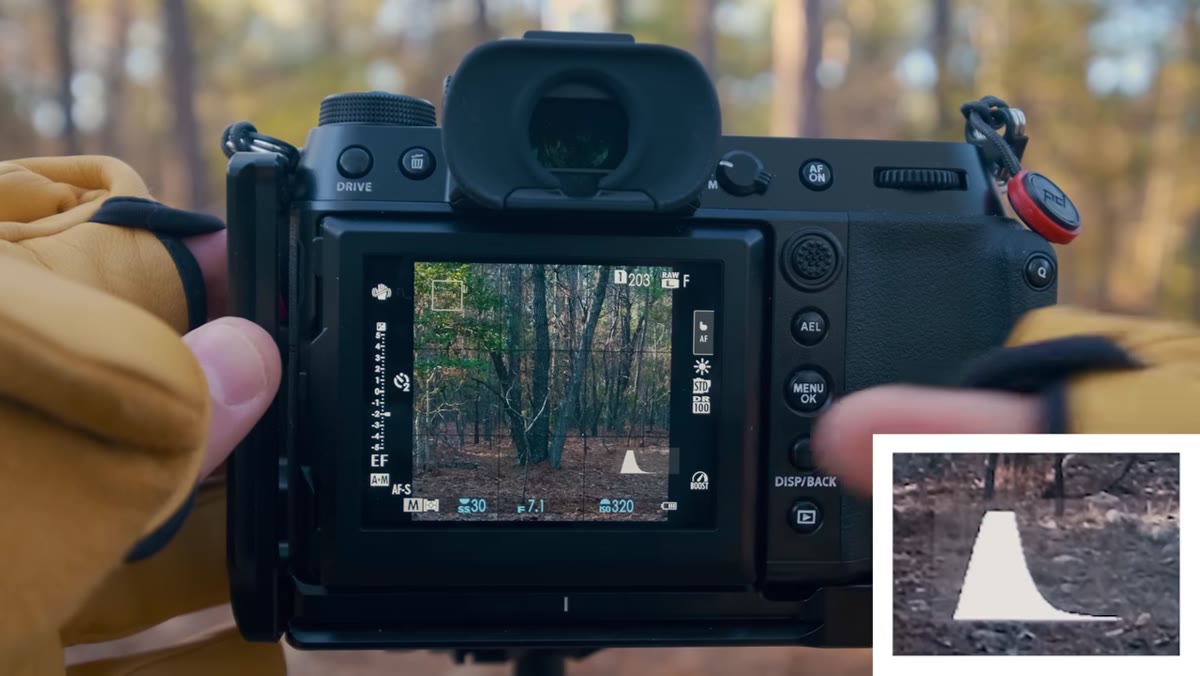 Camera histogram display showing data pushed to left side
The histogram is the exposure tool that doesn’t have an opinion about how the image looks. It just shows you where the tonal data lives. A histogram pushed heavily toward the left side of the graph means most of your pixel data is sitting in the shadow and dark midtone range. That’s not a death sentence, but it does mean you’re asking a lot of your raw file when you start pushing things in post.
Camera histogram display showing data pushed to left side
The histogram is the exposure tool that doesn’t have an opinion about how the image looks. It just shows you where the tonal data lives. A histogram pushed heavily toward the left side of the graph means most of your pixel data is sitting in the shadow and dark midtone range. That’s not a death sentence, but it does mean you’re asking a lot of your raw file when you start pushing things in post.
What you want to see for most landscape scenarios is data that extends across the full range without clipping hard on the right side. A slight lean toward the right, without blowing highlights, means your sensor collected as much light as it safely could. That’s the foundation of ETTR.
Step 3: Understand Why More Light Means Less Noise
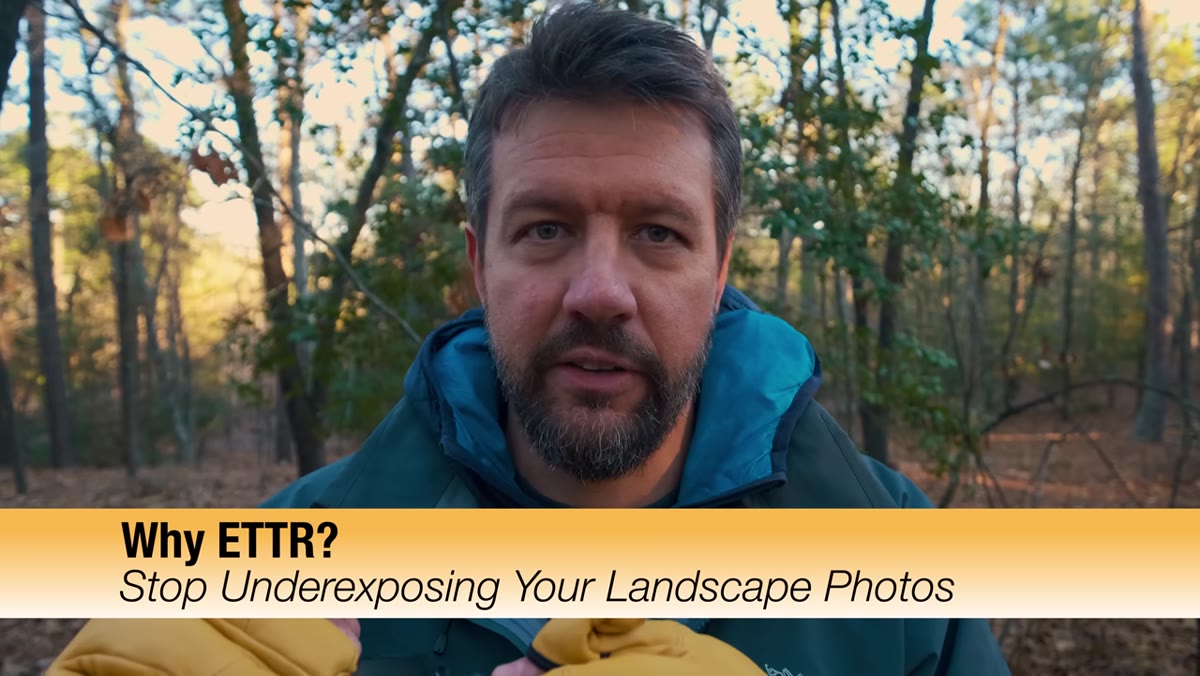 Visual explanation of how sensor light intake affects image quality
Mark uses a helpful analogy here. Think about how your eyes work in low light - you can make out shapes and movement, but color and fine detail disappear. Your camera sensor behaves the same way. When it doesn’t have enough light, it struggles to distinguish true detail from random electrical noise. The shadow areas in an underexposed file aren’t just dark - they’re full of that noise, and brightening them in post makes it worse, not better.
Visual explanation of how sensor light intake affects image quality
Mark uses a helpful analogy here. Think about how your eyes work in low light - you can make out shapes and movement, but color and fine detail disappear. Your camera sensor behaves the same way. When it doesn’t have enough light, it struggles to distinguish true detail from random electrical noise. The shadow areas in an underexposed file aren’t just dark - they’re full of that noise, and brightening them in post makes it worse, not better.
When you expose brighter - deliberately pushing the exposure up toward the right side of the histogram - you’re giving the sensor richer data to work with across every tonal range. The highlights can always be recovered in post if you’ve exposed carefully. Noise that’s been amplified in deep shadows is much harder to fix cleanly.
Step 4: Adjust Your Exposure Until the Histogram Shifts Right
 Adjusting shutter speed to shift histogram rightward without clipping
In practice, ETTR means looking at your histogram and incrementally increasing your exposure - whether through a slower shutter speed, a wider aperture, or a higher ISO - until the histogram data shifts toward the right edge without actually spilling over it. That rightward edge represents pure white, blown-out highlights, and you don’t want to cross it on anything you care about recovering.
Adjusting shutter speed to shift histogram rightward without clipping
In practice, ETTR means looking at your histogram and incrementally increasing your exposure - whether through a slower shutter speed, a wider aperture, or a higher ISO - until the histogram data shifts toward the right edge without actually spilling over it. That rightward edge represents pure white, blown-out highlights, and you don’t want to cross it on anything you care about recovering.
In a high-contrast landscape scene, this might mean the highlights in the sky are sitting right at the edge of the graph. That’s acceptable, as long as the midtones and shadows have moved right with them. You’re essentially telling the sensor: collect as much light as you can before you start losing detail in the bright areas.
Step 5: Trust the Process When the Image Looks “Too Bright”
 Reviewing an intentionally bright-looking LCD image in the field
Here’s where it gets uncomfortable for a lot of photographers. When you apply ETTR correctly, the image on your LCD often looks too bright. The sky might look washed out. Your first instinct is that you’ve made a mistake. You haven’t.
Reviewing an intentionally bright-looking LCD image in the field
Here’s where it gets uncomfortable for a lot of photographers. When you apply ETTR correctly, the image on your LCD often looks too bright. The sky might look washed out. Your first instinct is that you’ve made a mistake. You haven’t.
Mark addresses this directly - this is where you have to override what your eye wants to see on the LCD and trust what the histogram is telling you. The image will look different once you pull the highlights back down in post. The payoff is that your shadows will be cleaner, your midtones will have more structure, and the overall file will respond better when you edit it.
Step 6: Bring It Back in Post Processing
 Post-processing adjustments pulling highlights down and evaluating shadows
Once you’re back at your desk, an ETTR-exposed file gives you real room to work. Pull the highlights slider down. Bring the whites in. You’ll find that the shadow areas have a quality and cleanliness that you simply can’t get if you start from an underexposed file and try to push everything up. The edit feels cooperative rather than like damage control.
Post-processing adjustments pulling highlights down and evaluating shadows
Once you’re back at your desk, an ETTR-exposed file gives you real room to work. Pull the highlights slider down. Bring the whites in. You’ll find that the shadow areas have a quality and cleanliness that you simply can’t get if you start from an underexposed file and try to push everything up. The edit feels cooperative rather than like damage control.
This is the part Mark emphasizes that I think is most important for newer photographers to internalize: exposure decisions made in the field directly shape how much creative freedom you have at the editing desk. You can’t manufacture shadow detail that the sensor never captured.
A Note From Someone Who Still Gets It Wrong
Even with twenty years behind me, I underexpose in the field more than I’d like to admit. The reflex to protect the sky is deeply wired in. What I’ve learned to do is pause before I commit to a final exposure, pull up the histogram, and ask myself honestly whether I’ve left data on the table. More often than not, I can afford to let in a little more light.
The other thing I’d add is that ETTR matters most when you’re shooting in difficult or rapidly changing light - pre-dawn, golden hour, heavy shade under a forest canopy. Those are the conditions where underexposure damage shows up harshest. In flat midday light, the stakes are lower. But in the scenes we actually chase as landscape photographers, getting the exposure right at capture is one of the highest-return habits you can build.
The single biggest shift ETTR gave me was confidence in my raw files. Instead of hoping I could rescue a scene in post, I started coming home with files that were already doing most of the heavy lifting.
Watch the full tutorial on YouTube and see Mark walk through the histogram comparison himself - seeing it on an actual camera screen makes the concept click in a way that description alone doesn’t fully capture.
Comments
Leave a Comment