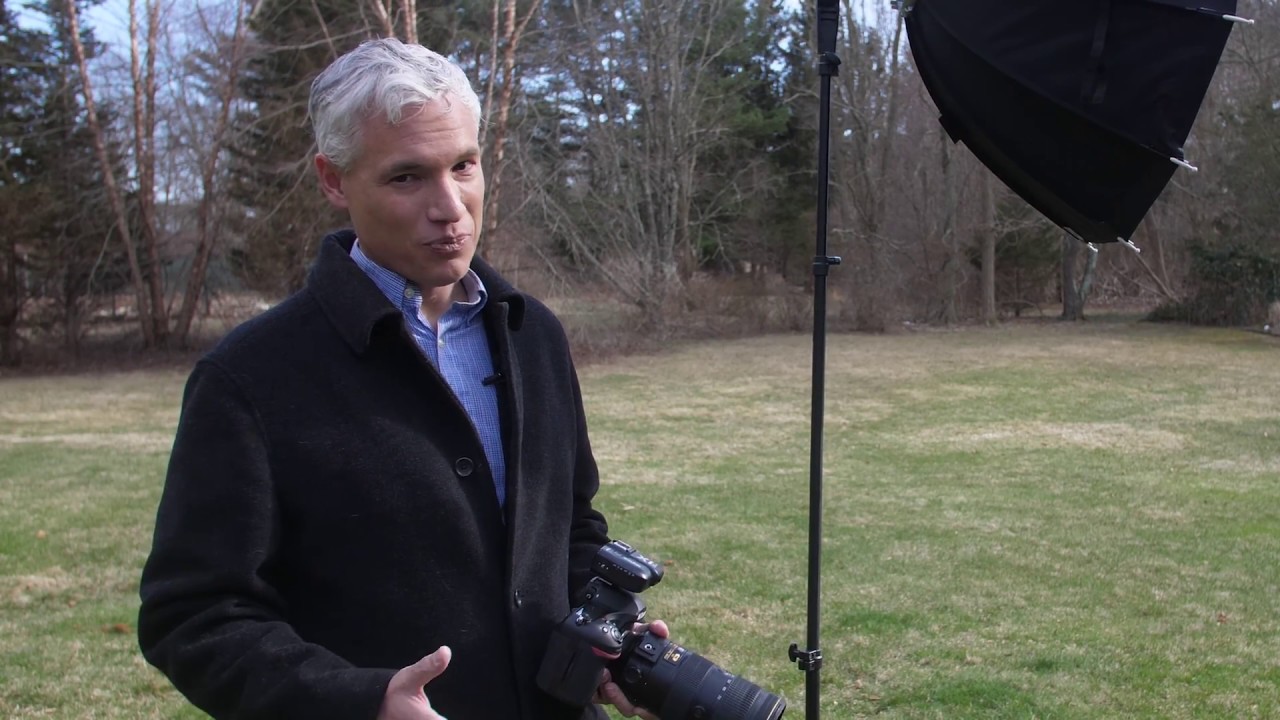
Most of my work is landscape and nature photography. No subjects, no strobes, no reflectors. Just me, the land, and whatever light the sky decides to offer. But I run workshops, and workshops mean people in the frame. And people in the frame at 1pm in a sun-drenched high desert meadow outside Bend? That’s a different problem entirely.
For years I defaulted to shade. Overcast days. Golden hour. Anything to avoid the flat, squinting, harsh-shadowed mess that midday sun creates on a human face. But participants in my workshops want to shoot when they’re there, not when the light cooperates. So I started digging into flash techniques for outdoor work. That’s how I found this tutorial by Tony and Chelsea Northrup. Watch the full tutorial on YouTube. It’s one of the clearest, most practical breakdowns of the topic I’ve seen, and I want to walk you through what they cover and what I’ve added to it from my own time in the field.
The core insight is deceptively simple: stop fighting the sun, and start separating its job from the flash’s job. Ambient light controls your background. Flash controls your subject. Once those two elements are independent of each other, you have real creative control. Here’s how that actually works in practice.
Step 1: Position Your Subject with Their Back to the Sun
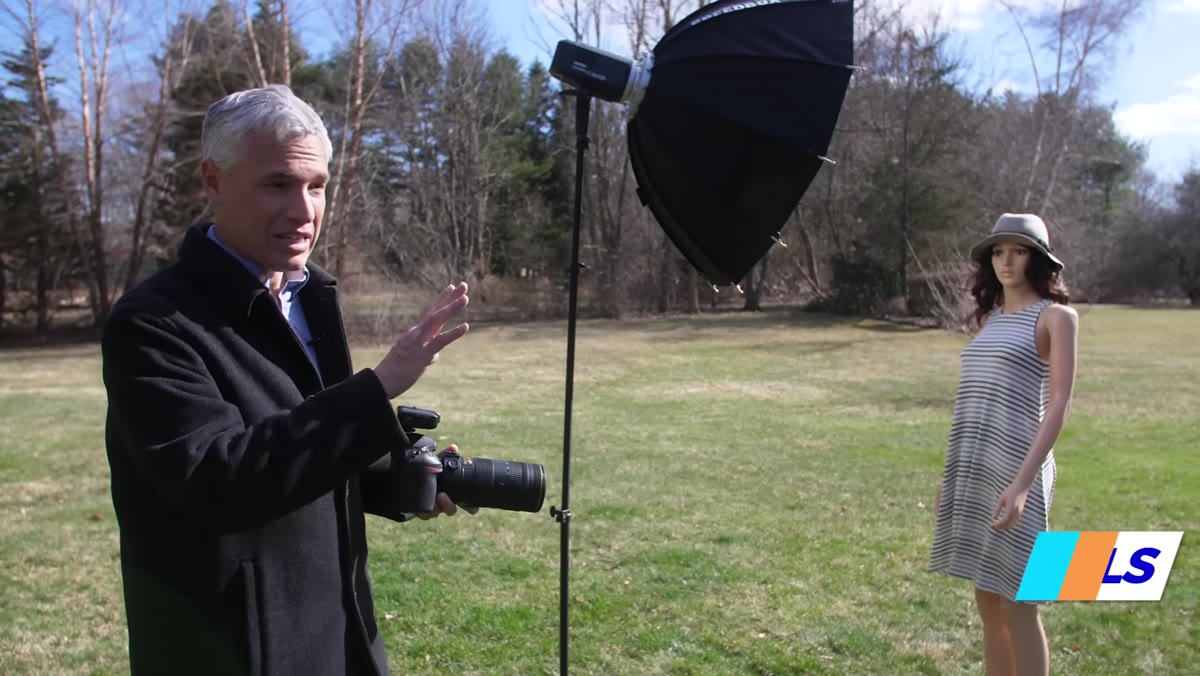 Subject positioned with back to the sun outdoors
Never ask a person to face into full sun. They’ll squint, their skin will blow out on one side, and the shadows under their eyes and nose will look like craters. Instead, rotate them so the sun becomes a natural rim light or hair light coming from behind. This gives you a clean, shadow-free canvas on their face for the flash to fill in. It’s the same logic I use when I’m deciding which direction to face a camera at sunrise. Work with the light’s direction, not against it.
Subject positioned with back to the sun outdoors
Never ask a person to face into full sun. They’ll squint, their skin will blow out on one side, and the shadows under their eyes and nose will look like craters. Instead, rotate them so the sun becomes a natural rim light or hair light coming from behind. This gives you a clean, shadow-free canvas on their face for the flash to fill in. It’s the same logic I use when I’m deciding which direction to face a camera at sunrise. Work with the light’s direction, not against it.
Step 2: Set Your Aperture First in Aperture Priority Mode
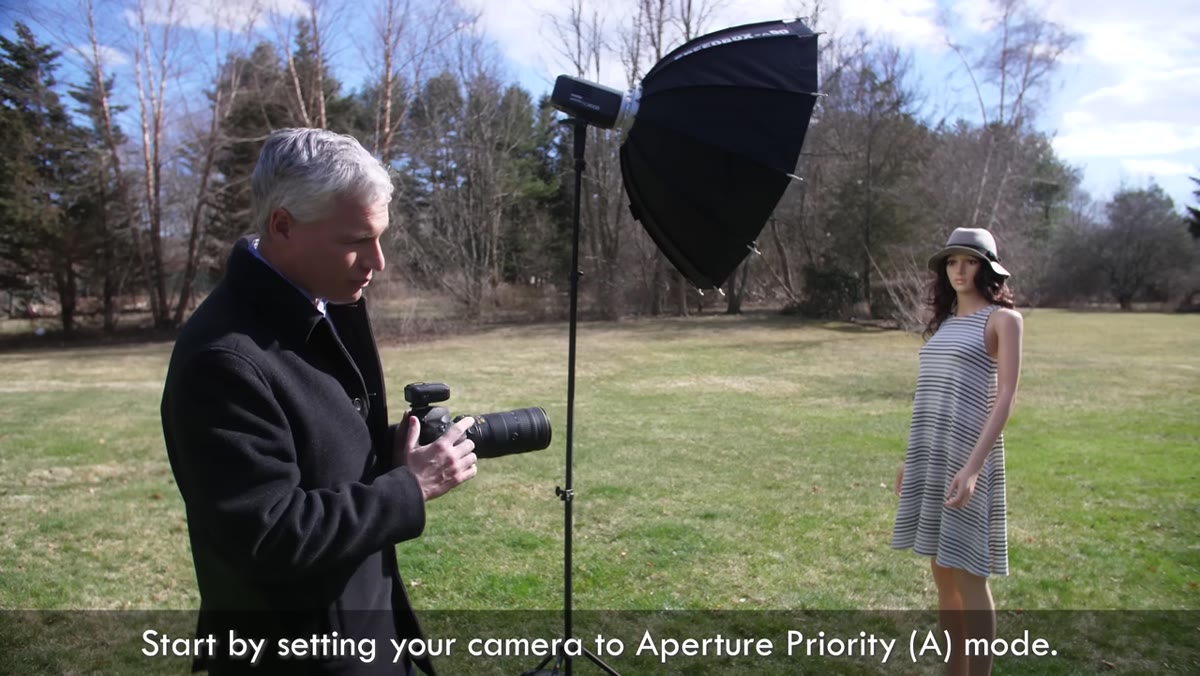 Camera mode dial set to aperture priority
Switch to aperture priority and choose the f-stop that gives you the background separation you want. For portraits, that typically means a wide aperture, somewhere around f/1.8 to f/2.8, to blur the background and keep the focus on your subject. If you want to include more environmental context, say you’re shooting a portrait with a dramatic ridgeline behind your subject, you might stop down to f/5.6 or f/8. The point is to lock in your depth of field decision before you touch anything else. This is the one decision where the background and subject are still linked, so make it deliberately.
Camera mode dial set to aperture priority
Switch to aperture priority and choose the f-stop that gives you the background separation you want. For portraits, that typically means a wide aperture, somewhere around f/1.8 to f/2.8, to blur the background and keep the focus on your subject. If you want to include more environmental context, say you’re shooting a portrait with a dramatic ridgeline behind your subject, you might stop down to f/5.6 or f/8. The point is to lock in your depth of field decision before you touch anything else. This is the one decision where the background and subject are still linked, so make it deliberately.
Step 3: Switch to Full Manual and Set Your ISO to Base
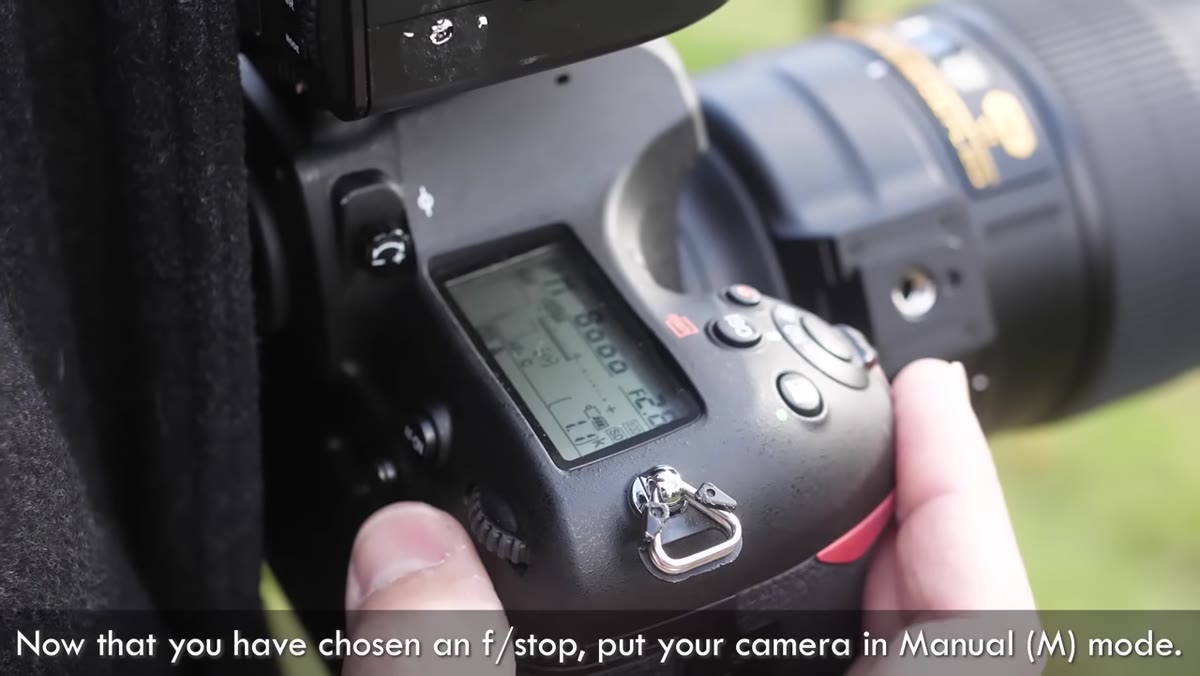 Camera settings showing manual mode and low ISO value
Once you have your aperture, move into full manual mode. Set your ISO to your camera’s base value, which is typically ISO 100 or ISO 200. Some cameras, like the Nikon D850, go as low as ISO 64. The goal is the cleanest file you can get, because you have plenty of ambient light to work with. Turn off auto ISO completely. You want to be in control of every variable from this point forward.
Camera settings showing manual mode and low ISO value
Once you have your aperture, move into full manual mode. Set your ISO to your camera’s base value, which is typically ISO 100 or ISO 200. Some cameras, like the Nikon D850, go as low as ISO 64. The goal is the cleanest file you can get, because you have plenty of ambient light to work with. Turn off auto ISO completely. You want to be in control of every variable from this point forward.
Step 4: Adjust Shutter Speed to Expose for the Background Only
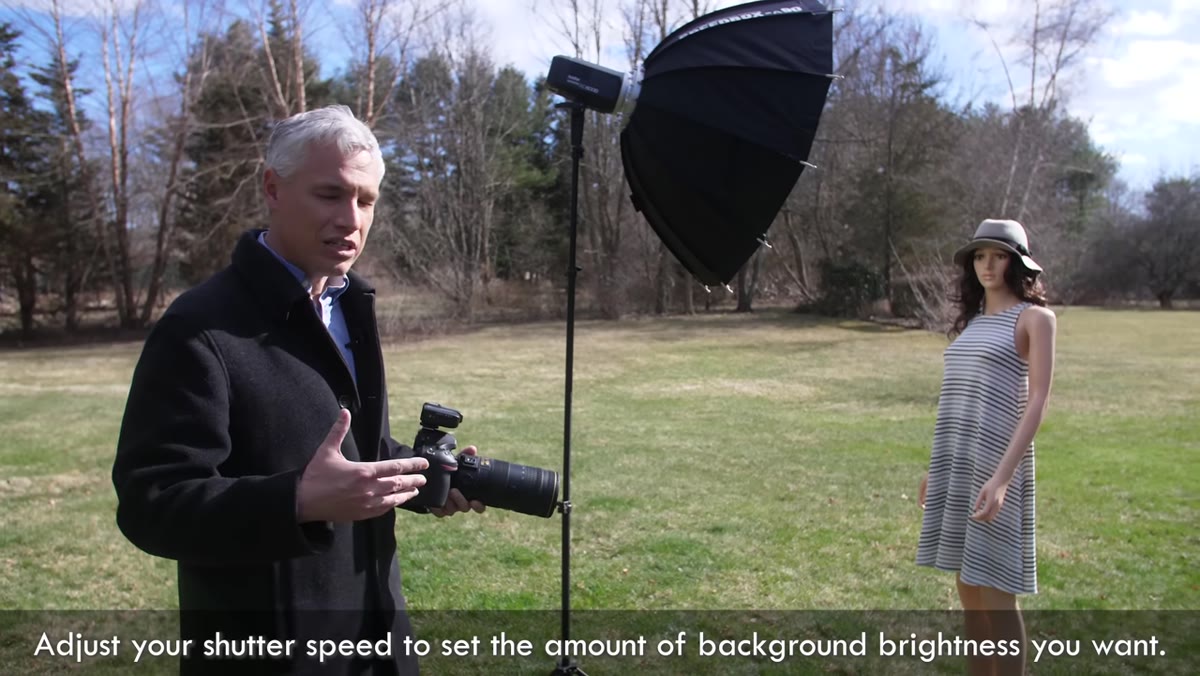 Photographer adjusting shutter speed dial on camera
This is the step that unlocks everything. With your ISO fixed and your aperture chosen, use your shutter speed as the single dial that brightens or darkens the background. Ignore your subject entirely during this step. The flash will handle them later. If the background looks dark and moody, slow down slightly. If it’s blown out and overexposed, speed up. In the tutorial, the target exposure lands around 1/250th of a second at f/2.8 and ISO 64, but your numbers will vary depending on where and when you’re shooting. Dial in the background you want, then stop.
Photographer adjusting shutter speed dial on camera
This is the step that unlocks everything. With your ISO fixed and your aperture chosen, use your shutter speed as the single dial that brightens or darkens the background. Ignore your subject entirely during this step. The flash will handle them later. If the background looks dark and moody, slow down slightly. If it’s blown out and overexposed, speed up. In the tutorial, the target exposure lands around 1/250th of a second at f/2.8 and ISO 64, but your numbers will vary depending on where and when you’re shooting. Dial in the background you want, then stop.
Step 5: Introduce the Flash and Set Its Power Independently
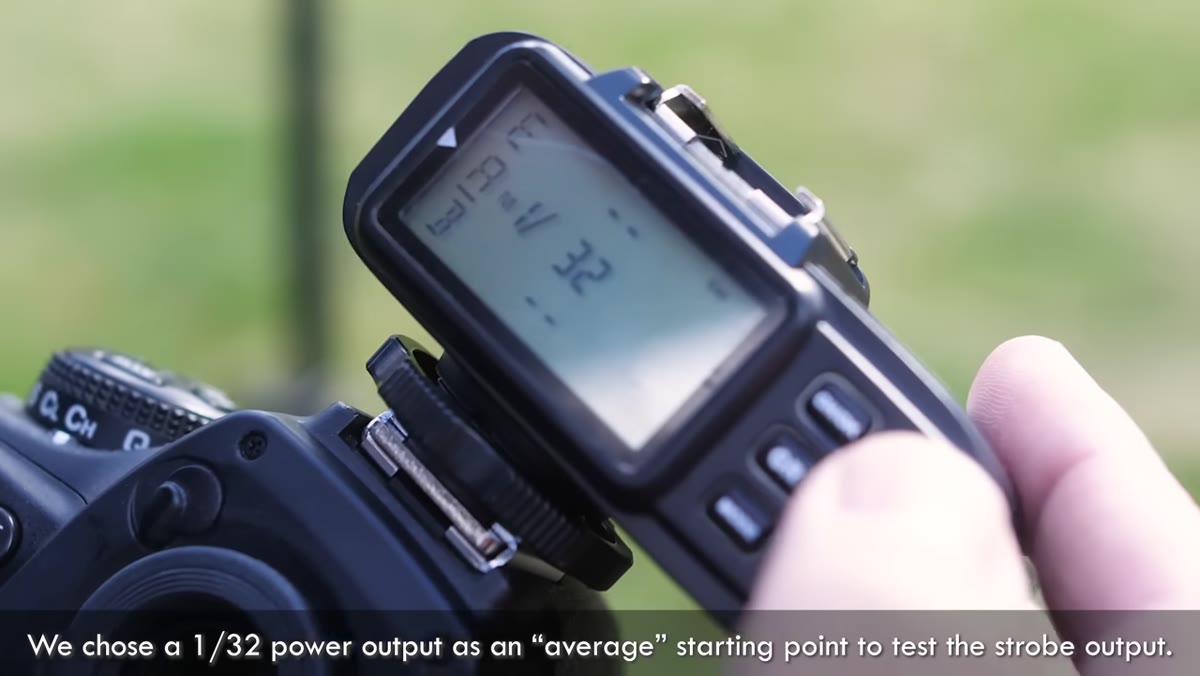 Flash unit positioned off-camera with light modifier attached
Now bring in your flash. An off-camera strobe with a softbox or umbrella will give you far more flattering light than an on-camera unit, but even a pop-up flash is better than nothing. Start at a mid-range power setting, around 1/32 power, and fire a test shot. Evaluate the brightness on your subject’s face. Because you’ve already locked in the background exposure, any adjustment you make to flash power will only affect the subject. Raise it if they look underlit, lower it if the light looks artificial or too hot. This separation of controls is the whole game. One dial for the world, another for the person in it.
Flash unit positioned off-camera with light modifier attached
Now bring in your flash. An off-camera strobe with a softbox or umbrella will give you far more flattering light than an on-camera unit, but even a pop-up flash is better than nothing. Start at a mid-range power setting, around 1/32 power, and fire a test shot. Evaluate the brightness on your subject’s face. Because you’ve already locked in the background exposure, any adjustment you make to flash power will only affect the subject. Raise it if they look underlit, lower it if the light looks artificial or too hot. This separation of controls is the whole game. One dial for the world, another for the person in it.
A practical field note: sandbag your light stand. This is non-negotiable outdoors. I’ve had calm mornings turn into wind events in under two minutes at elevation, and a toppled strobe is either broken gear or a safety hazard. A few pounds of sandbags on the base buys you peace of mind.
Step 6: Optional - Create a Black Background in Full Sun
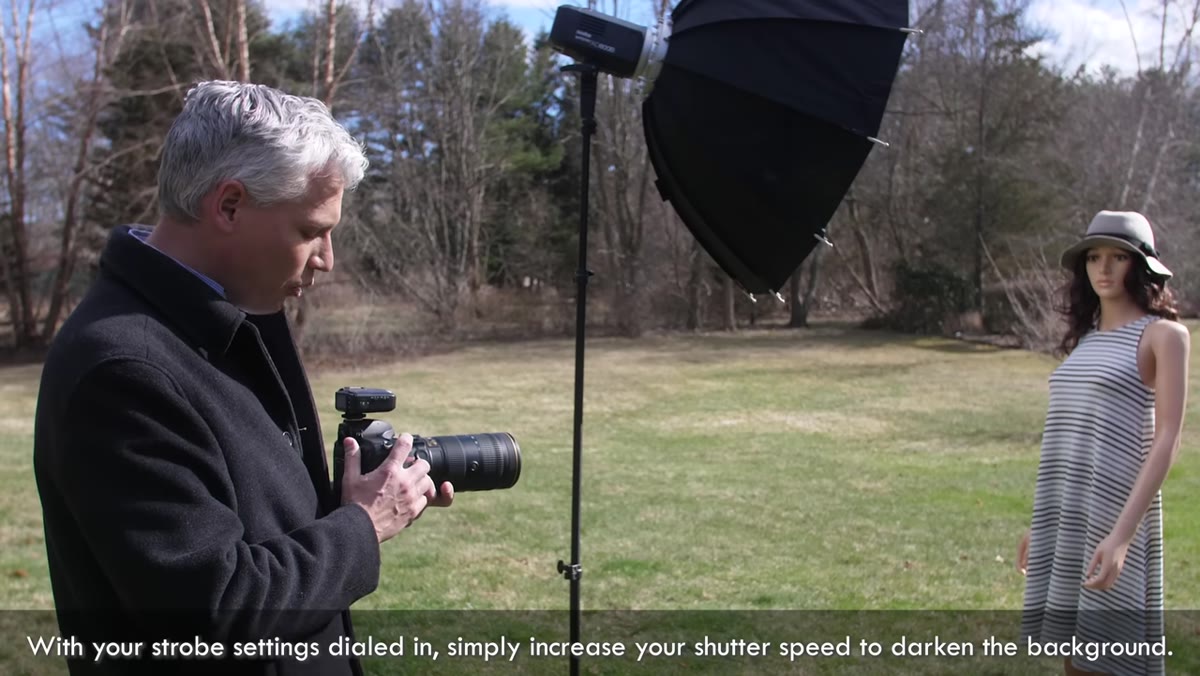 Camera showing very fast shutter speed with darkened background
Here’s a technique that genuinely surprised me the first time I tried it. You can produce a black studio-style background outdoors in the middle of the day. To do it, raise your shutter speed dramatically, up to 1/4000th or 1/8000th of a second. This cuts out almost all ambient light. The background goes dark or black entirely. Then compensate by cranking your flash power way up, to half or full power, so your subject is still properly lit. The result looks like a studio shot taken in a field. It’s a striking, dramatic effect that can work beautifully when you want to strip away a distracting background but you’re stuck in an outdoor location.
Camera showing very fast shutter speed with darkened background
Here’s a technique that genuinely surprised me the first time I tried it. You can produce a black studio-style background outdoors in the middle of the day. To do it, raise your shutter speed dramatically, up to 1/4000th or 1/8000th of a second. This cuts out almost all ambient light. The background goes dark or black entirely. Then compensate by cranking your flash power way up, to half or full power, so your subject is still properly lit. The result looks like a studio shot taken in a field. It’s a striking, dramatic effect that can work beautifully when you want to strip away a distracting background but you’re stuck in an outdoor location.
A Note From the Field: What This Taught Me About Landscape Work
I don’t often shoot people. But working through this technique changed how I think about artificial light in natural environments more broadly. The principle of separating what controls the background from what controls the foreground applies well beyond portraiture. I’ve started applying a similar mental framework when I bracket exposures for blended landscape composites. The logic is the same: give each part of the frame its own exposure decision, and stop trying to find one setting that satisfies everything at once.
If you shoot workshops, or if you ever photograph a friend or client in the field, this approach will save you from the desperate scramble of trying to dodge harsh sun with nothing but shade and luck. The midday sun doesn’t have to be your enemy. It can be a backlight you chose.
The single most important thing this tutorial reinforced for me: your camera’s controls are not all connected. Shutter speed and flash power work independently of each other in ways that give you far more creative range than you probably think. Learn that separation, practice it, and full-sun portraits stop being a problem you avoid.
Watch the full tutorial on YouTube and watch Tony work through the settings in real time. Seeing the before and after on the model’s face as he adjusts the flash power is worth the ten minutes on its own.
Comments
Leave a Comment