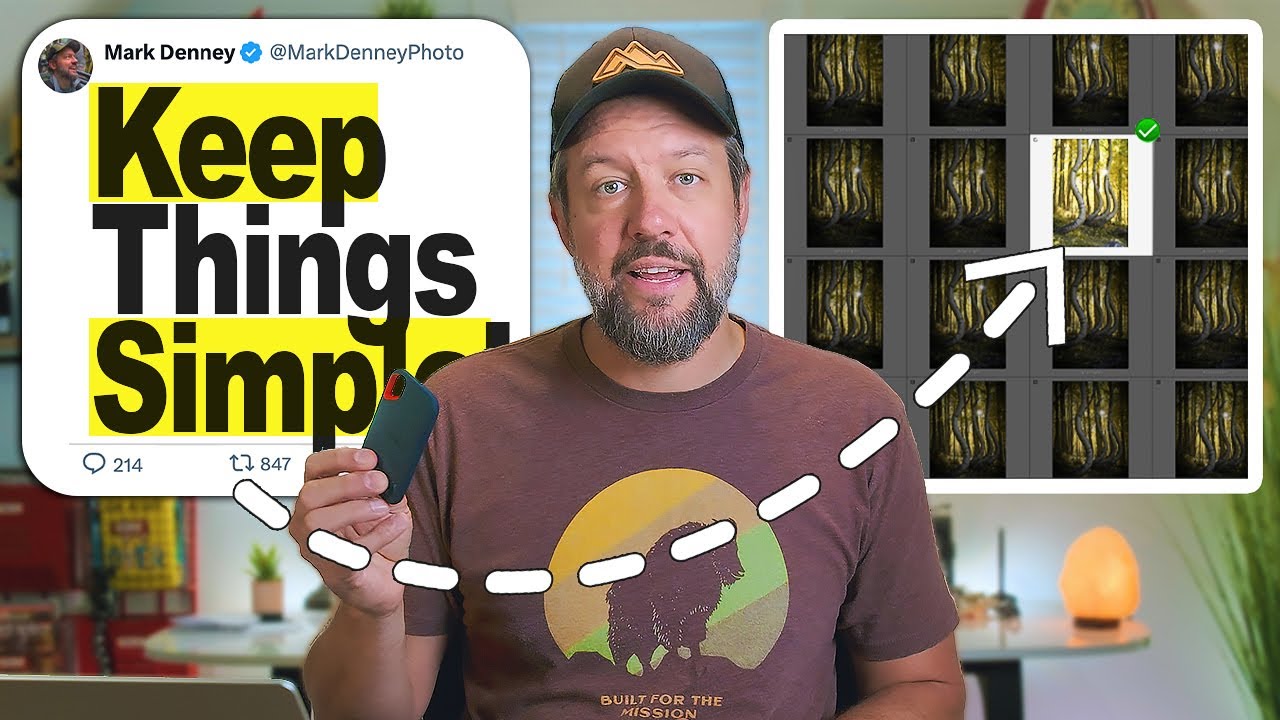
There is a moment every photographer knows. You’ve just come back from four days in the field. Your boots are still wet. You’re running on three hours of sleep and cold coffee, and somewhere across two SD cards and a laptop desktop that looks like a filing cabinet exploded, you have the best shots you’ve taken all year. Maybe. You won’t know until you dig in. That digging process, the offloading, organizing, and culling, is where a lot of otherwise disciplined photographers fall apart. I’ve watched workshop students lose files. I’ve watched them give up on culling entirely because the pile felt too large to touch. I’ve been guilty of letting cards sit unorganized for weeks after a trip, telling myself I’d “deal with it later.”
What I appreciate about Mark Denney’s approach, laid out in his recent tutorial Watch the full tutorial on YouTube, is that it doesn’t pretend to be a sophisticated system. It pretends to be nothing at all. It’s just a practical, consistent routine that he’s run for nearly a decade without losing a single image. That kind of durability is worth paying attention to. After twenty years of doing this myself, I can tell you that the photographers who keep their archives intact aren’t running the most elaborate setups. They’re running the most consistent ones. Here’s how to build that consistency, step by step.
Step 1: Pull the Card and Create a Named Folder on Your Desktop
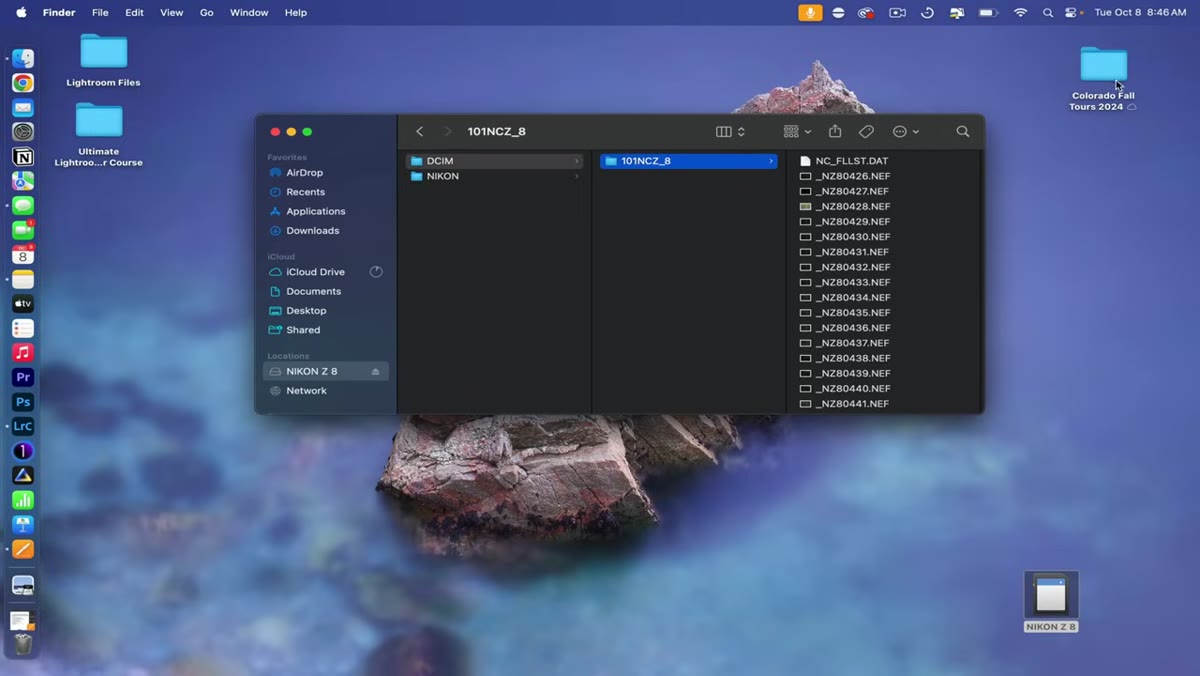 caption: Desktop folder named “Colorado Fall Tours 2024” already created
The moment you’re back at your hotel room or camp, pull the SD card and slot it into your laptop. Before you touch a single file, create a clearly named folder on your desktop. Denney names his by trip and year, something like “Colorado Fall Tours 2024,” and that specificity matters. Vague folder names become orphans. Named folders become searchable memories. This is the container everything else flows into, so get the name right before you start moving files.
caption: Desktop folder named “Colorado Fall Tours 2024” already created
The moment you’re back at your hotel room or camp, pull the SD card and slot it into your laptop. Before you touch a single file, create a clearly named folder on your desktop. Denney names his by trip and year, something like “Colorado Fall Tours 2024,” and that specificity matters. Vague folder names become orphans. Named folders become searchable memories. This is the container everything else flows into, so get the name right before you start moving files.
Step 2: Organize Files by Day Inside That Main Folder
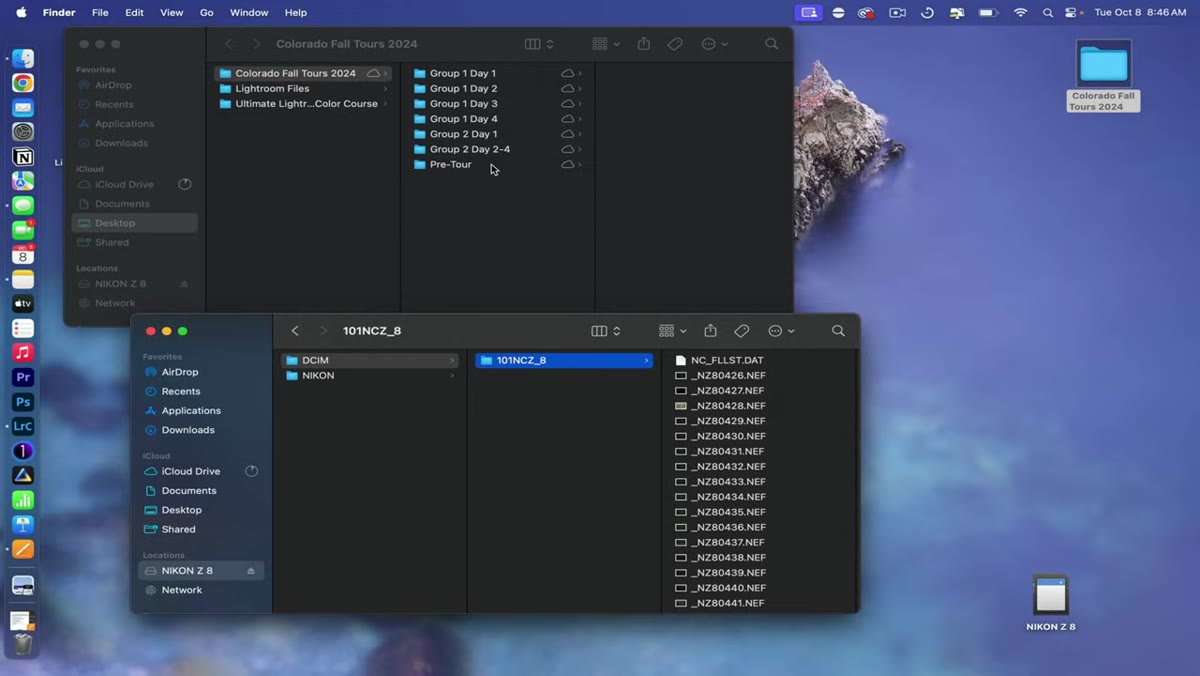 caption: Subfolders labeled by group and day number inside main folder
Inside that main trip folder, create subfolders by day. If you’re shooting a multi-day workshop or a week-long expedition, each day gets its own labeled subfolder. Denney uses a simple “Day 1, Day 2” structure, with group labels when multiple workshops overlap. This sounds almost too simple to mention, but day-based organization becomes enormously valuable six months later when you remember that you shot a particular waterfall on the second morning and need to find it fast. Highlight all the files from your card that correspond to that day and drag them in. Then do the same at the end of the next day, and the next. You’re building the archive incrementally rather than dumping everything into one unsorted pile at the end of the trip.
caption: Subfolders labeled by group and day number inside main folder
Inside that main trip folder, create subfolders by day. If you’re shooting a multi-day workshop or a week-long expedition, each day gets its own labeled subfolder. Denney uses a simple “Day 1, Day 2” structure, with group labels when multiple workshops overlap. This sounds almost too simple to mention, but day-based organization becomes enormously valuable six months later when you remember that you shot a particular waterfall on the second morning and need to find it fast. Highlight all the files from your card that correspond to that day and drag them in. Then do the same at the end of the next day, and the next. You’re building the archive incrementally rather than dumping everything into one unsorted pile at the end of the trip.
Step 3: Back Up to a Portable Drive Every Single Day
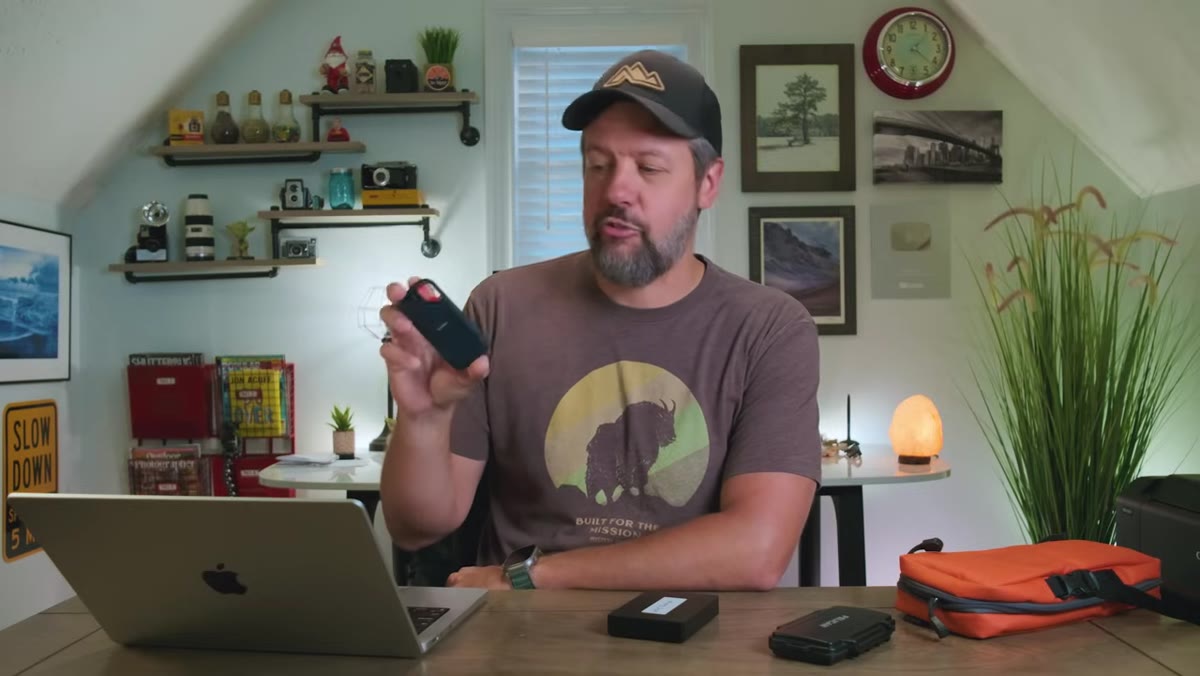 caption: SanDisk rugged portable drive shown next to laptop
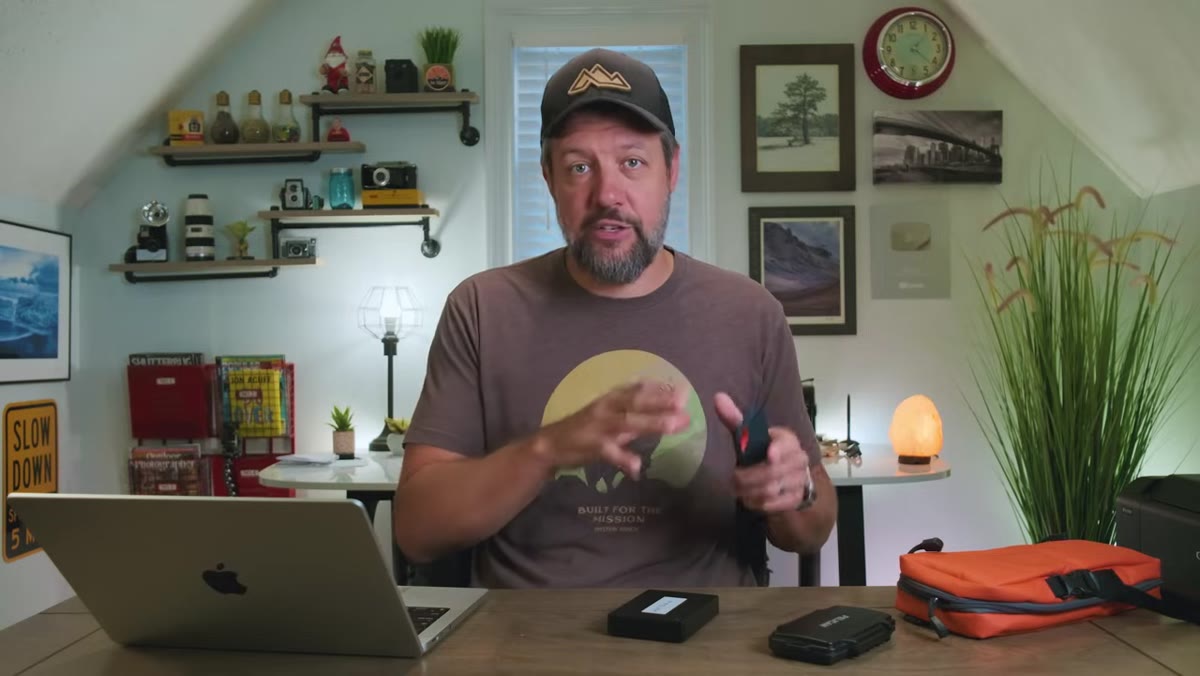
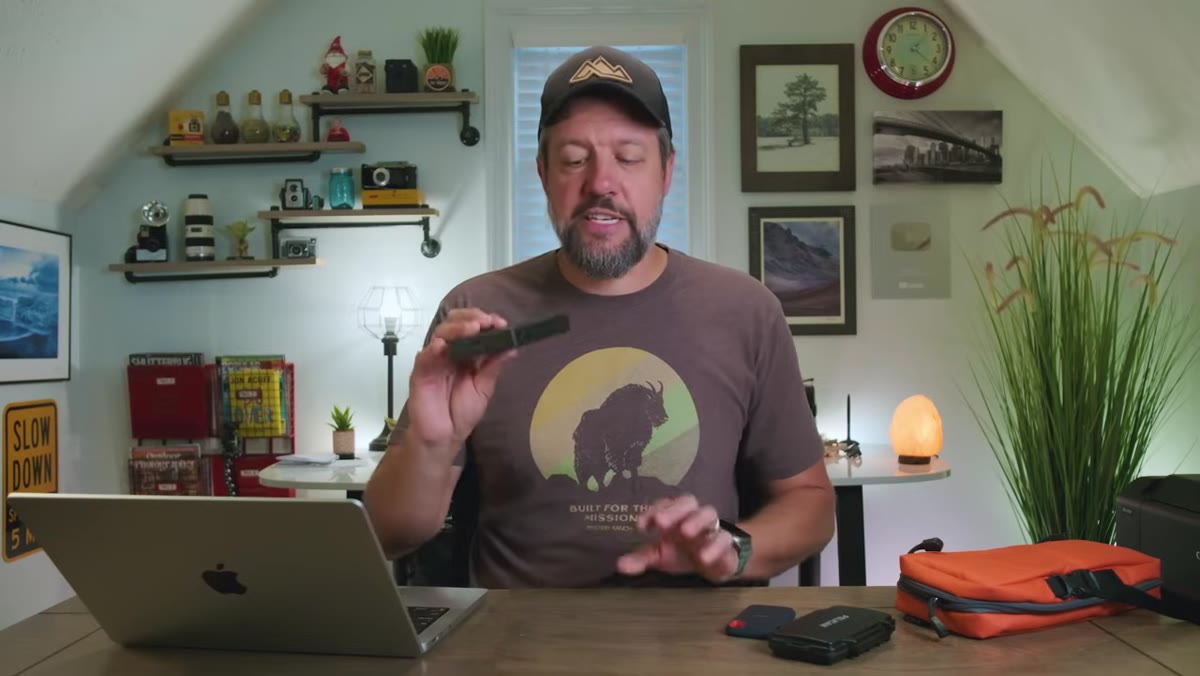
Denney keeps a small, rugged portable SSD in his travel kit and backs up the entire trip folder to it at the end of each day. This is the step most photographers skip because they’re tired or they figure the laptop is enough. It isn’t. What you’re building here is a second physical copy of everything, and that daily habit means that even if your laptop gets stolen, dropped, or decides to die at the worst possible moment, you lose nothing. The drives he uses are compact and fast enough that the whole backup takes only a few minutes. Build it into your wind-down routine the same way you’d charge your batteries.
caption: SanDisk rugged portable drive shown next to laptop
Denney keeps a small, rugged portable SSD in his travel kit and backs up the entire trip folder to it at the end of each day. This is the step most photographers skip because they’re tired or they figure the laptop is enough. It isn’t. What you’re building here is a second physical copy of everything, and that daily habit means that even if your laptop gets stolen, dropped, or decides to die at the worst possible moment, you lose nothing. The drives he uses are compact and fast enough that the whole backup takes only a few minutes. Build it into your wind-down routine the same way you’d charge your batteries.
Step 4: Keep the SD Cards Until You’re Home
 caption: Multiple SD cards retained, not formatted, during travel
This is a rule I enforce with my own workshop students, and Denney holds to it firmly: do not wipe your SD cards while you’re still traveling. Leave the original files on the cards. At this point in your trip, you have three copies of your images, the SD card, the laptop, and the portable drive. That’s the redundancy that protects you from catastrophic loss. The cards are small enough to keep in a shirt pocket. There’s no real cost to keeping them full until you’re home and everything is properly backed up. Format them after you’ve confirmed your home backup is complete, not before.
caption: Multiple SD cards retained, not formatted, during travel
This is a rule I enforce with my own workshop students, and Denney holds to it firmly: do not wipe your SD cards while you’re still traveling. Leave the original files on the cards. At this point in your trip, you have three copies of your images, the SD card, the laptop, and the portable drive. That’s the redundancy that protects you from catastrophic loss. The cards are small enough to keep in a shirt pocket. There’s no real cost to keeping them full until you’re home and everything is properly backed up. Format them after you’ve confirmed your home backup is complete, not before.
Step 5: Consolidate and Back Up to a Yearly Archive Drive When You Return Home
 caption: Large hard drive labeled “2024 Backup” sitting on desk
Once you’re back home, Denney transfers everything into a yearly backup drive, one physical drive per calendar year, covering photos, video, YouTube content, everything. On December 31st, he duplicates that drive and stores the copy somewhere secure. It’s a clean, low-tech system that creates a permanent year-by-year archive going back a full decade. No RAID arrays, no cloud subscription fees eating into your income, just organized physical drives with clear labels. If you’re earlier in your photography career and this feels like overkill, start with just the yearly drive. The habit is what matters now. The redundancy comes later when you have more to lose.
caption: Large hard drive labeled “2024 Backup” sitting on desk
Once you’re back home, Denney transfers everything into a yearly backup drive, one physical drive per calendar year, covering photos, video, YouTube content, everything. On December 31st, he duplicates that drive and stores the copy somewhere secure. It’s a clean, low-tech system that creates a permanent year-by-year archive going back a full decade. No RAID arrays, no cloud subscription fees eating into your income, just organized physical drives with clear labels. If you’re earlier in your photography career and this feels like overkill, start with just the yearly drive. The habit is what matters now. The redundancy comes later when you have more to lose.
What I Do Differently (and Why You Might Consider It)
The structure Denney describes matches what I’ve been doing in broad strokes for years, but I add one layer before the culling even begins. When I get home and transfer everything to my main machine, I spend twenty minutes writing a short field note for each day’s folder. Just a plain text file dropped inside. Date, location, conditions, anything unusual about the light. Maybe a note that says “Day 3 morning - dense fog lifted around 7:15, best window was about twelve minutes.” That context costs almost nothing to capture while it’s fresh, and it’s priceless a year later when you’re prepping prints or pulling images for a workshop and trying to remember exactly what you were looking at. I learned this the hard way after coming home from the Oregon coast with a folder of images I couldn’t fully place. I still shoot a few rolls of film every year specifically to stay honest about how I’m thinking before I press the shutter. Film doesn’t give you unlimited retakes, and that scarcity sharpens your field notes too.
The single most transferable idea in Denney’s workflow is that consistency beats sophistication every time. You don’t need an elaborate system. You need one that you’ll actually run at the end of a long cold day when you’d rather just sleep. Name the folder. Sort by day. Back up tonight. Keep the cards. Those four habits, repeated every trip, are worth more than any piece of software or hardware you could buy.
Watch the full tutorial on YouTube to see Mark walk through his actual folder structure and the culling process he uses inside Lightroom. It’s worth the twenty minutes.
Comments
Leave a Comment