Start With a Game Plan: How I Edit Sunrise and Sunset RAW Files in Camera Raw

Start With a Game Plan: How I Edit Sunrise and Sunset RAW Files in Camera Raw

There’s a particular kind of flat, lifeless RAW file that every landscape photographer knows. You’ve dragged yourself out of a warm bed at 4am, driven a dark road to a location you’ve been thinking about for weeks, and you caught the light. You know you caught it. But when you open that file on your screen, it looks like a mistake. The colors are muddy, the highlights are blown, and the whole thing feels like a betrayal.

iPad Pro vs. Wacom Tablet for Landscape Photo Editing: What a Working Photographer Actually Thinks

iPad Pro vs. Wacom Tablet for Landscape Photo Editing: What a Working Photographer Actually Thinks

There’s a particular kind of restlessness that sets in during editing season. You’ve done the hard part, the 4am wake-up, the frozen fingers, the three-mile hike to a ridgeline that may or may not deliver. Now you’re at your desk, and the work of translating what you felt out there into something a viewer can feel too begins. After twenty years of doing this, I still find that the tools I use for editing shape not just my efficiency, but my mood.

The LCL Framework: A Simple Editing Order That Stopped Me From Wrecking My Landscape Photos

The LCL Framework: A Simple Editing Order That Stopped Me From Wrecking My Landscape Photos

I spent the better part of my first two years as a photographer treating editing like a chore I could outrun. I was convinced that if I just nailed the exposure in the field, the image would mostly take care of itself. It didn’t. I’d come home from a pre-dawn shoot in the Cascades, crack open Photoshop, push a few sliders around with no particular logic, and wonder why my images looked muddy or over-cooked or simply flat.

Lightroom's New Landscape Masking Tool Changes How I Edit in the Field

Lightroom's New Landscape Masking Tool Changes How I Edit in the Field

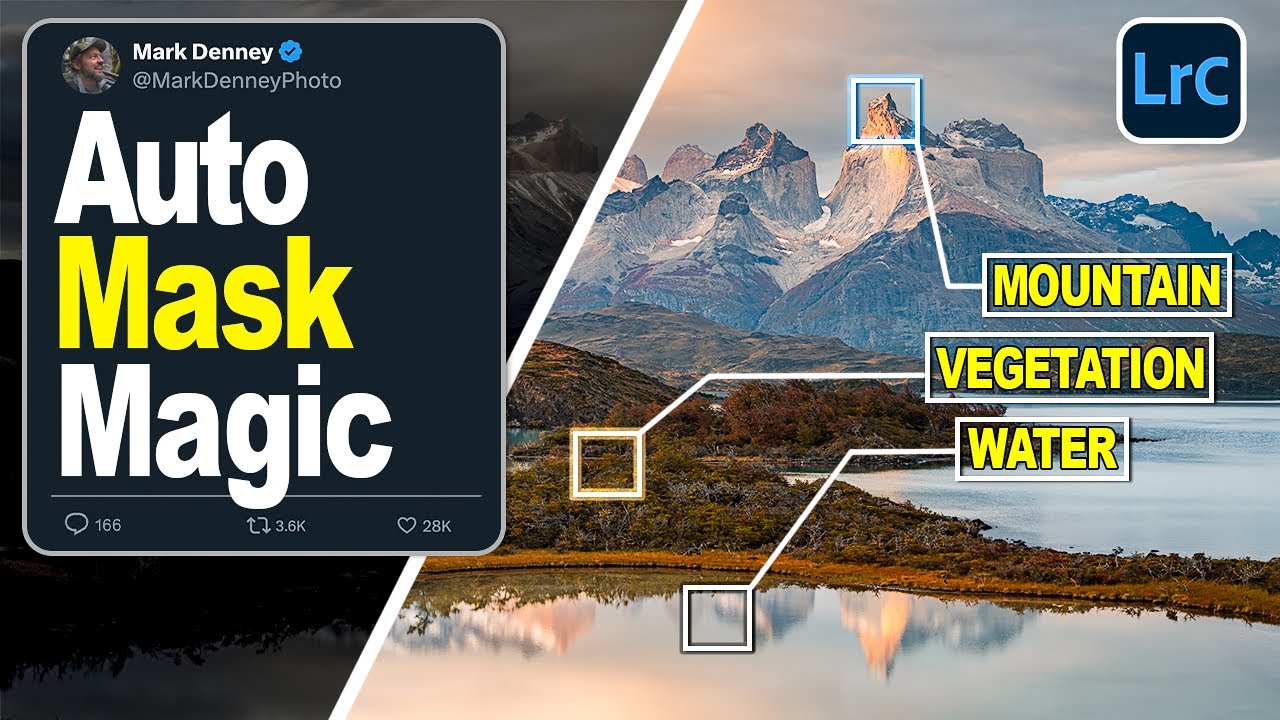
I have spent twenty years building masks by hand. Sky selections, foreground separations, water isolations, rock faces pulled out with luminosity ranges stacked on top of each other like geological layers. Some of my most-used Lightroom sessions have more masks than most photographers apply in a month. That is not a brag. It is a confession. Local adjustments are the engine of a finished landscape photograph, but the time they demand is real, and after two decades I have learned to budget for it the way I budget for golden hour.

Goodbye Split Toning: How Lightroom's Color Grading Panel Changed the Way I Develop Every Landscape

Goodbye Split Toning: How Lightroom's Color Grading Panel Changed the Way I Develop Every Landscape

Color has always been the thing I lose sleep over. Not composition, not exposure, not even the light itself, though all three matter enormously. After twenty years of making landscape photographs, I’ve come to believe that the emotional weight of an image lives in its color. A technically perfect shot with flat, lifeless color will sit in a folder forever. The same frame with rich, coherent tones becomes the print someone hangs above their fireplace.

9 Frames, One Shot: How to Combine HDR Bracketing and Panorama Stitching in Lightroom

9 Frames, One Shot: How to Combine HDR Bracketing and Panorama Stitching in Lightroom

There’s a specific frustration I’ve felt on nearly every dawn shoot I’ve done in the high desert outside Bend: the scene in front of me holds about three times more tonal range than my sensor can capture in a single frame. The shadows under the juniper trees go pure black. The clouds blow out to white. My eye reads the whole thing effortlessly, but the camera has to pick a lane.

Post-Processing Landscape Photos: My Lightroom Workflow

Post-Processing Landscape Photos: My Lightroom Workflow

Post-processing is where a good capture becomes a finished photograph. My approach to editing landscape images has simplified over the years. I aim for results that look natural and honest to the scene while bringing out the qualities that made me press the shutter in the first place. Here is my Lightroom Classic workflow, step by step. Step 1: Import and Cull I import RAW files with a dated folder structure: Year > Month > Location.